Covered in this video
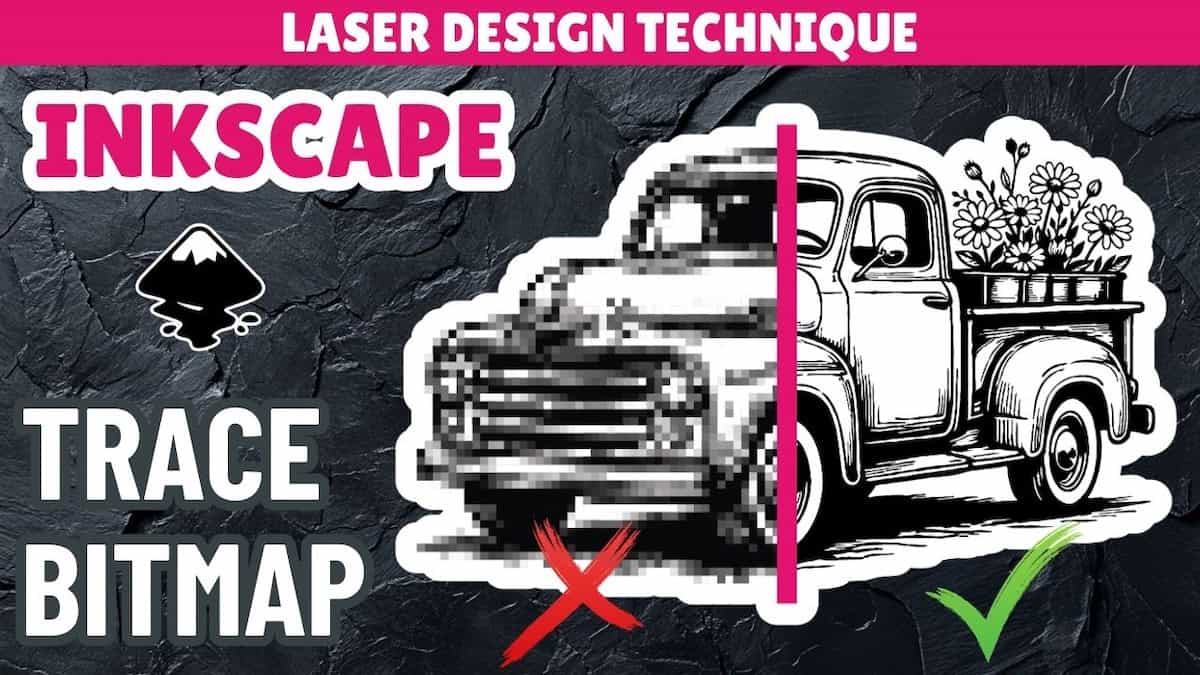
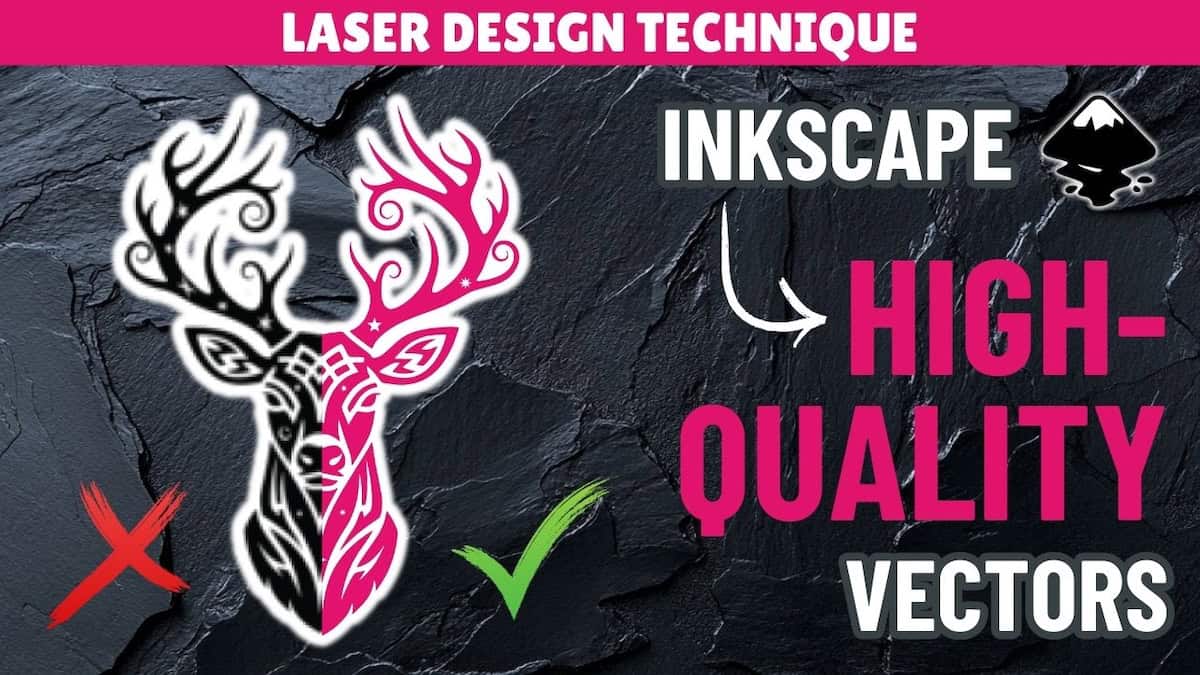
If you find yourself needing to convert raster images to vector files, Inkscape’s Trace Bitmap tool can do it automatically. But it’s not always the best method. In this video, you’ll learn:
- 3 cases where you might be want to avoid using Trace Bitmap and other automatic PNG to SVG tools
- Why some traced SVGs look fine but still aren’t optimal for your laser cut projects or business
- What you should do instead
Video outline
- Intro
- Background on Trace Bitmap and automatic SVG conversion
- Case 1: Hand-drawn product design
- Case 2: Your business logo
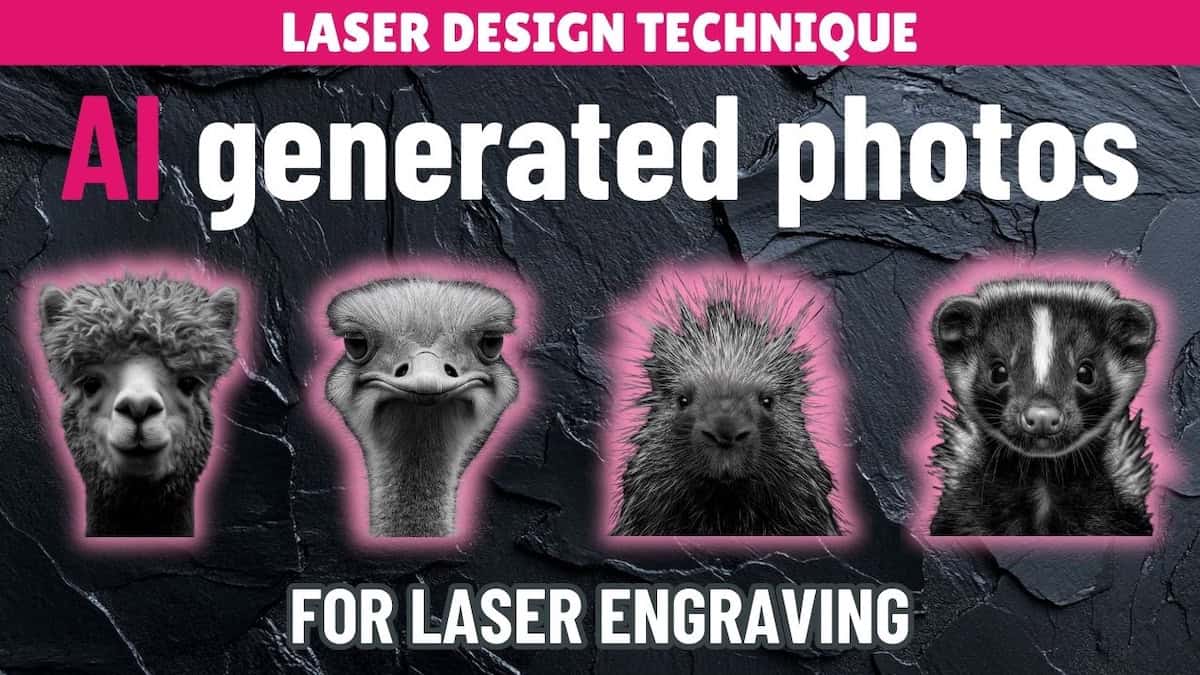
- Case 3: Some AI generated graphics
Resources referenced
- Video on how to convert images to vectors using Trace Bitmap in Inkscape
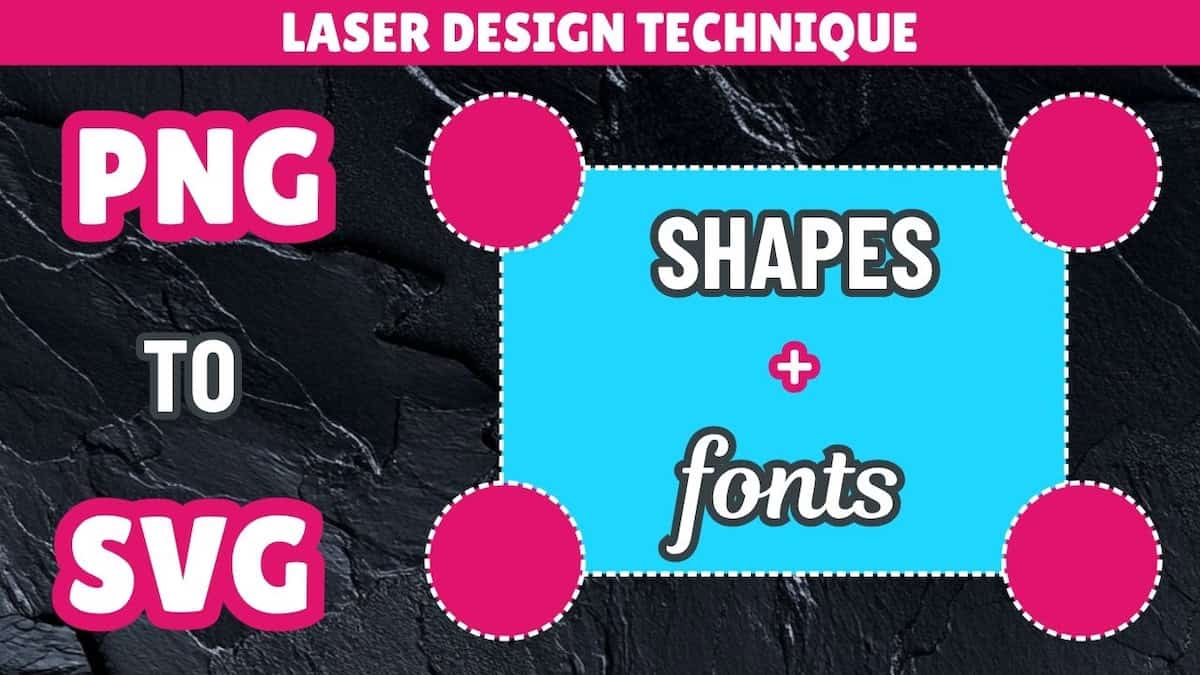
- Video on how to recreate images as vectors using shapes and fonts in Inkscape
- Video on how to rebuild images as vectors using manual drawing tools in Inkscape: Coming soon!
- Playlist for all image to vector for laser cutting videos
- Inkscape free download page
- Vector Witch download page
Other learning resources