Covered in this video
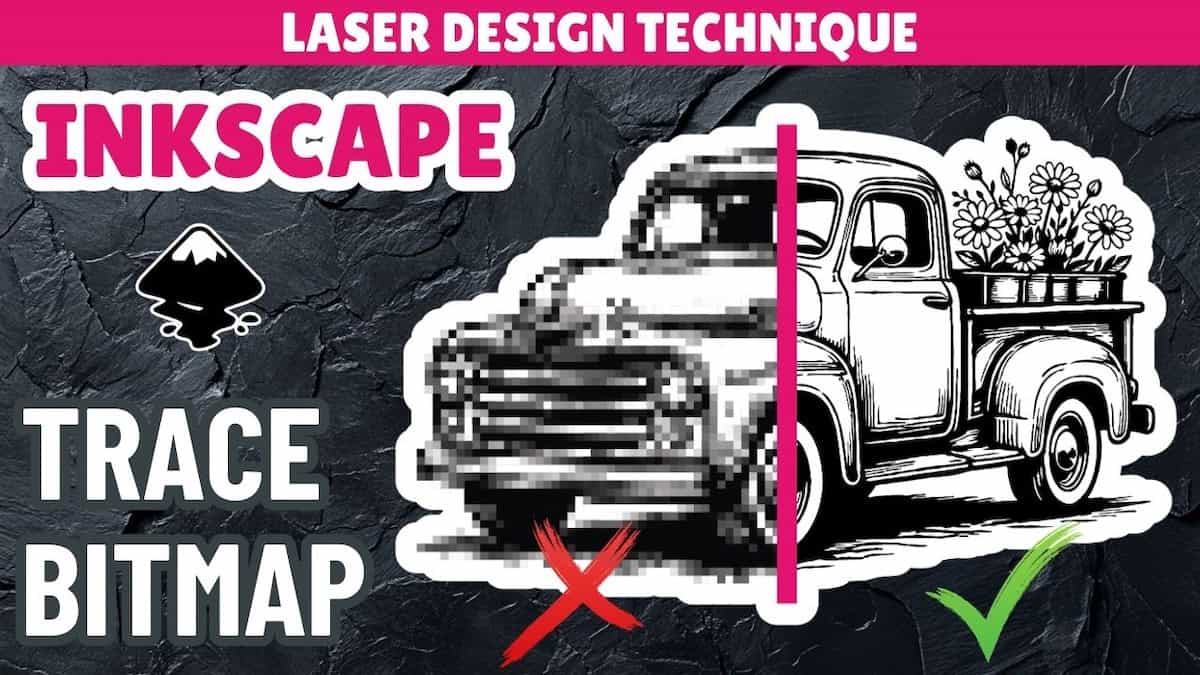
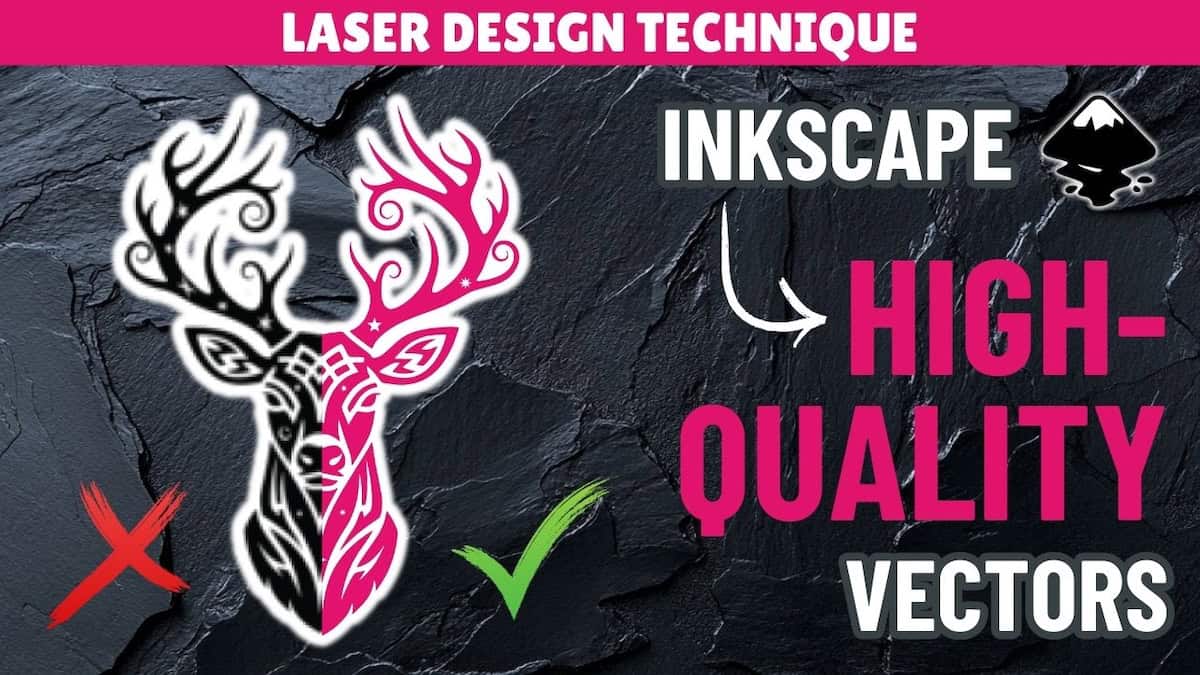
Trying to convert line art from PNG to SVG for laser cutting? In this Inkscape tutorial, I show how Inkscape’s Trace Bitmap tool handles line art, and how to avoid unexpected results. You’ll learn:
- What to think about when converting raster line art to SVG (and how it differs from solid graphics)
- When to use different Trace Bitmap detection modes, and how they work
- How to check your images to see what your laser sees
Video outline
- Intro
- What the laser sees: visible lines vs. vector paths
- Trace Bitmap: automatic conversion to SVG
- Detection mode 1: Brightness cutoff
- Detection mode 2: Edge detection
- Detection mode 3: Centerline tracing
- Handwriting conversion
Resources referenced
- Inkscape free download page
- Video on Trace Bitmap, and how to convert high-contrast images (including making line art from solid graphics)
- Video on how to recreate images as vectors using shapes and fonts in Inkscape
- Video on how to rebuild images as vectors using manual drawing tools in Inkscape: Coming soon!
- Playlist for all design tutorials on converting image to SVG
Other learning resources