Skip to content
No results
  • Laser learning
  • Laser cut files
  • About
  • Contact
LasrFocus
  • Laser learning
  • Laser cut files
  • About
  • Contact
LasrFocus

Laser cutting image formats explained | Laser cutting basics

Covered in this video

Understanding file formats (PNG, JPG, SVG, DXT, etc.) for laser cutting and engraving can get confusing. In this quick video, I explain the basic difference between raster images and vector files, and when you might need each one for laser cutting and engraving.

Video outline

  • Intro
  • Raster images
  • Vector images
  • Image to SVG conversion

Resources referenced

  • Video on how to convert images to vectors using Trace Bitmap in Inkscape
  • Playlist link for all image to raster tutorials

Other learning resources

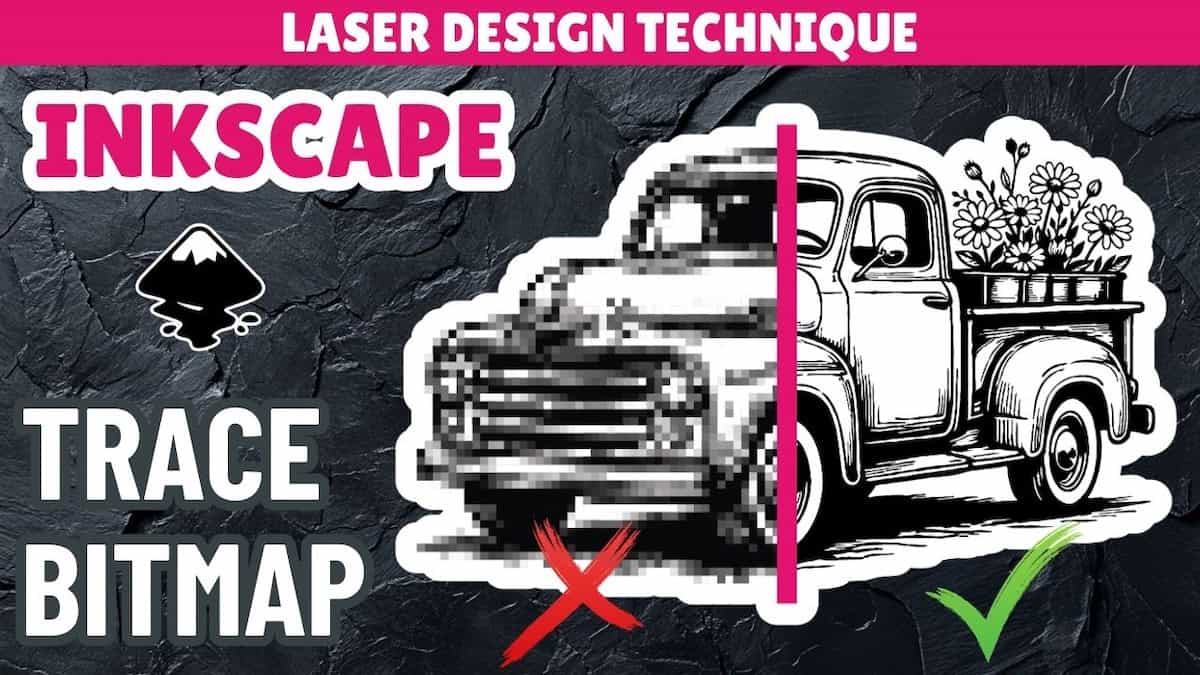
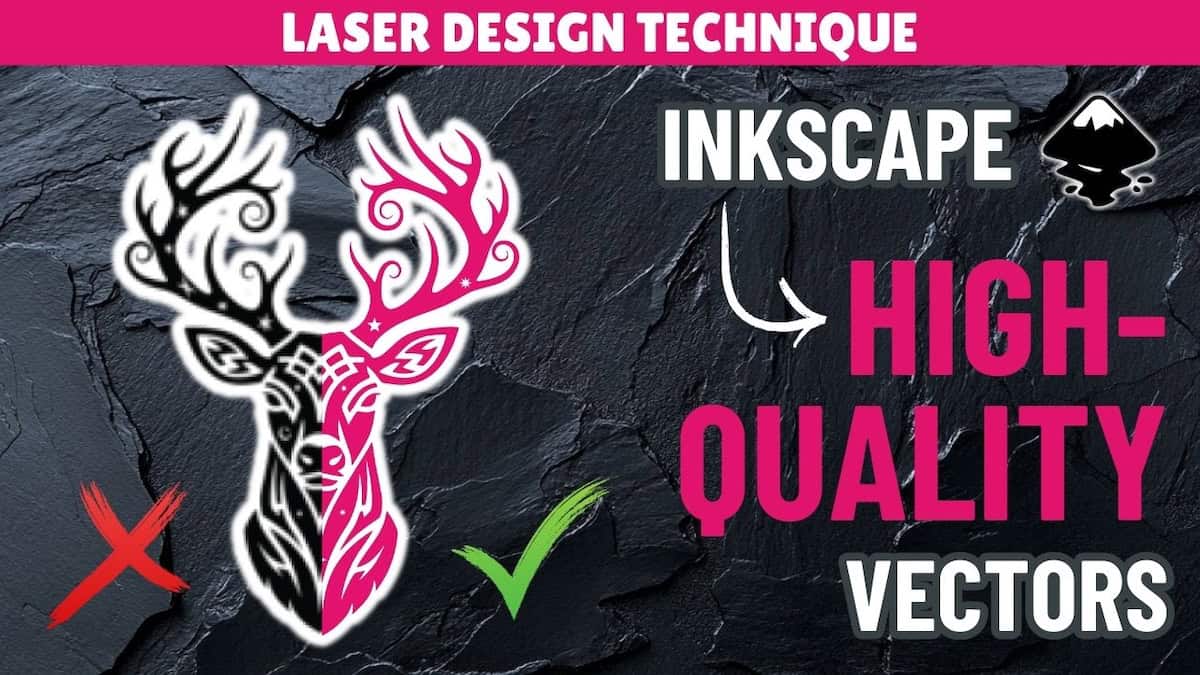
Image to vector in Inkscape: 3 cases where Trace Bitmap isn’t good enough | PNG to SVG series

Image to vector in Inkscape: Trace bitmap for laser cutting | PNG to SVG series

Leather finishing process for your laser leather project

Quick layered laser cut keychain project

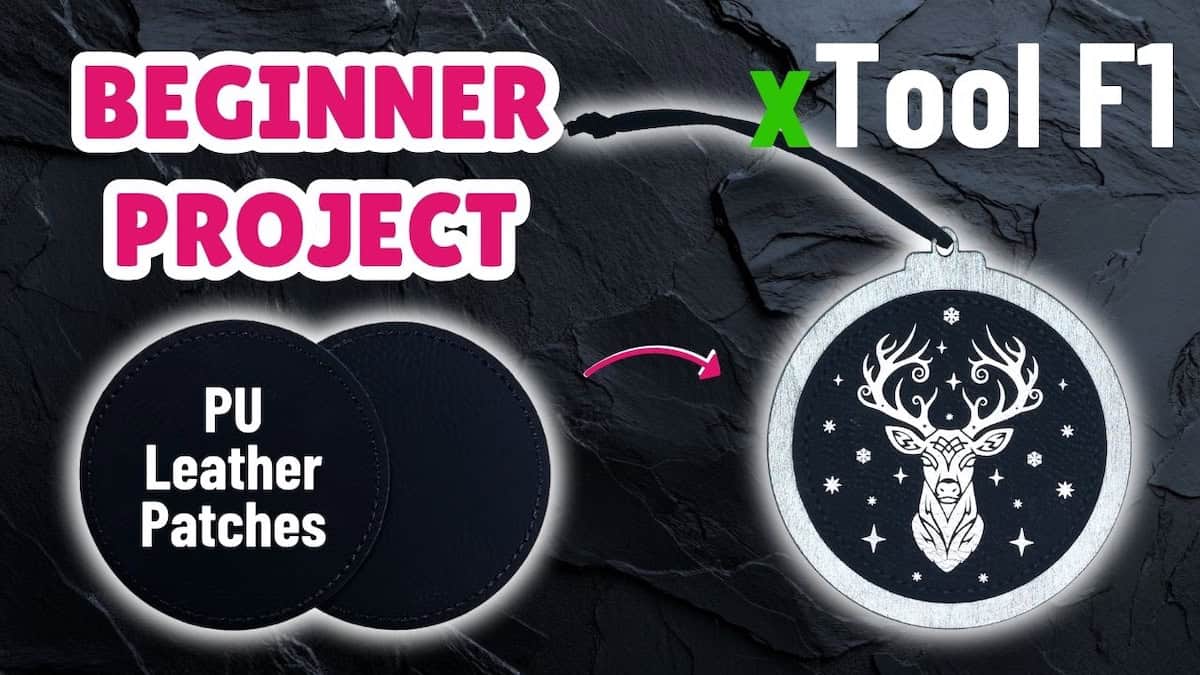
PU leather patch xTool F1 project: Christmas ornament tutorial

How to make laser engraving designs | PNG to vector Inkscape tutorial

Use the xTool AI feature ‘Atomm AImake’ for laser engraving designs

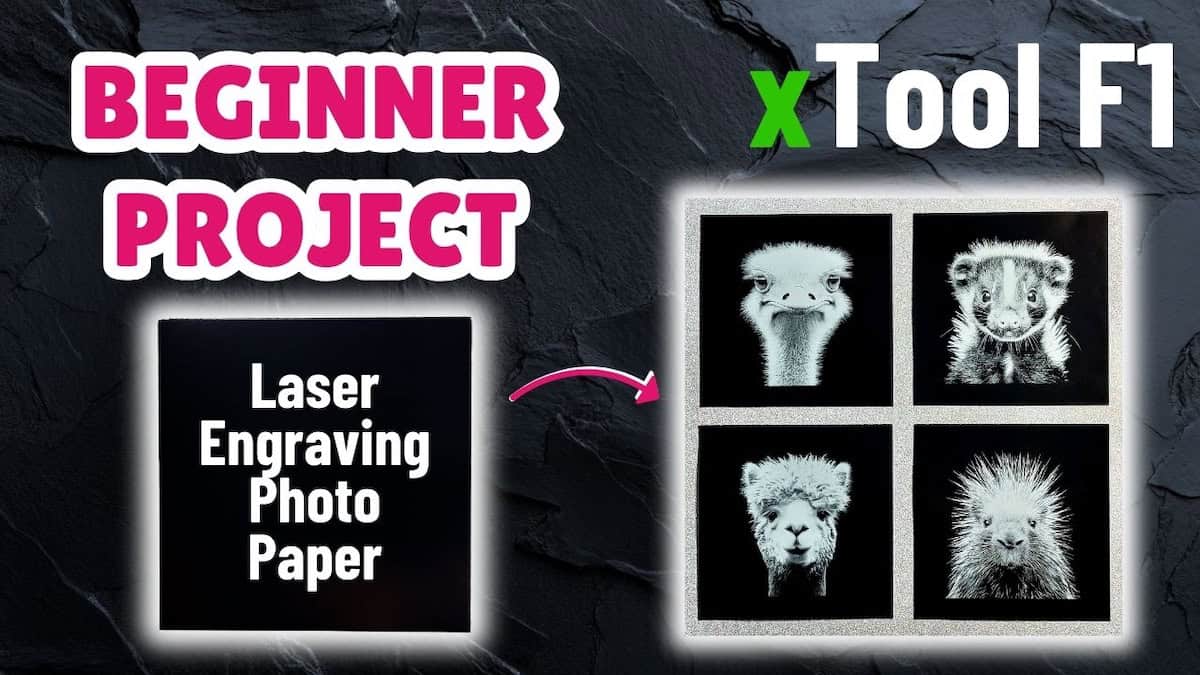
Laser engraving photo paper xTool F1 project: wall art panels tutorial

Use AI to generate and prepare photos for laser engraving

How to paint fill engraved wood

3mm basswood xTool F1 project: laser cut coaster tutorial

Unpacking the xTool F1 sample materials pack (plus project ideas!)

    • Home
    • Laser learning
    • Laser cut files
    • About
    • Contact

    Copyright © 2026 LasrFocus | Privacy Policy | Terms of Use | Cookie consent

    Cookie settings

    We use cookies on our website to give you the most relevant experience by remembering your preferences and repeat visits. By clicking “Accept”, you consent to the use of all cookies.

    Choosing to not consent may adversely affect certain features and functions.

    Functional Always active
    The technical storage or access is strictly necessary for the legitimate purpose of enabling the use of a specific service explicitly requested by the subscriber or user, or for the sole purpose of carrying out the transmission of a communication over an electronic communications network.
    Preferences
    The technical storage or access is necessary for the legitimate purpose of storing preferences that are not requested by the subscriber or user.
    Statistics
    The technical storage or access that is used exclusively for statistical purposes. The technical storage or access that is used exclusively for anonymous statistical purposes. Without a subpoena, voluntary compliance on the part of your Internet Service Provider, or additional records from a third party, information stored or retrieved for this purpose alone cannot usually be used to identify you.
    Marketing
    The technical storage or access is required to create user profiles to send advertising, or to track the user on a website or across several websites for similar marketing purposes.
    • Manage options
    • Manage services
    • Manage {vendor_count} vendors
    • Read more about these purposes
    View preferences
    • {title}
    • {title}
    • {title}