Covered in this video
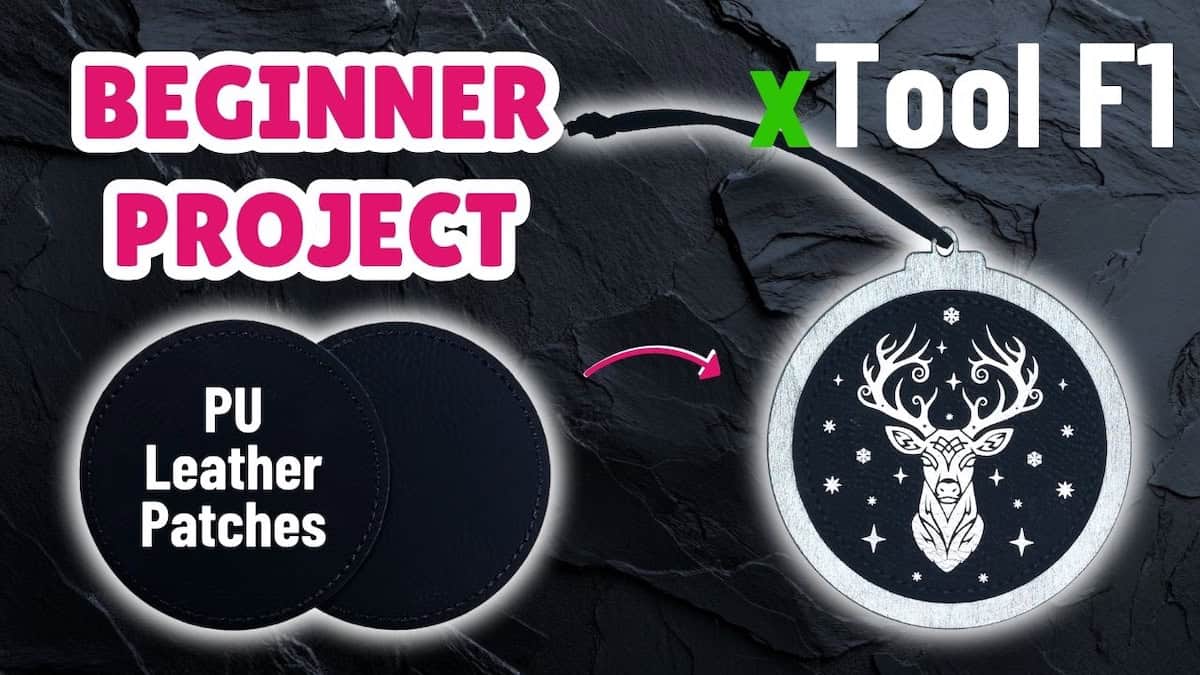
In this quick AI image generation tutorial, I’ll show you how to use xTool’s AI feature, Atomm AImake, to generate design elements for laser engraving, and see how useful the output designs are. You’ll learn:
- How to get set up and how the pricing structure works
- How to generate design elements for laser engraving by chatting with the tool
- What it does well, and what you’ll still need to do yourself
Video outline
- Intro
- Step 1: Sign in or register for an account
- Step 2: Generate main design
- Step 3: Generate design elements
- Step 4: Assessing output quality
Resources referenced
- Prompt for AImake tool:
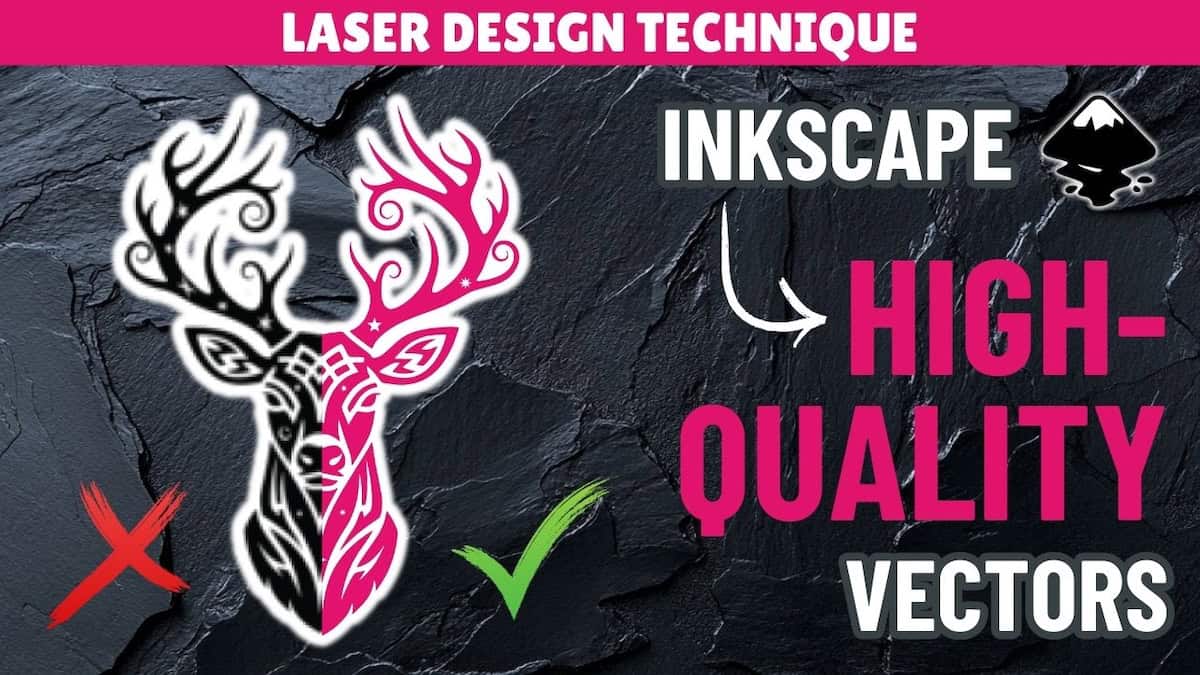
- front-facing reindeer head composed of bold black vector shapes, symmetrical ornamental design with stylized antlers and decorative flourishes, inspired by tribal tattoo and stencil cutout art, not line art or outline drawing, no thin lines or gradients, medium level of detail that reads clearly at small size, scattered simple stars and snowflakes in the background, transparent background, high-contrast black-and-white vector suitable for laser engraving on 7.5 cm circular patch
- xTool’s Atomm AImake tool
- Video of how I turned these design elements into a professional design
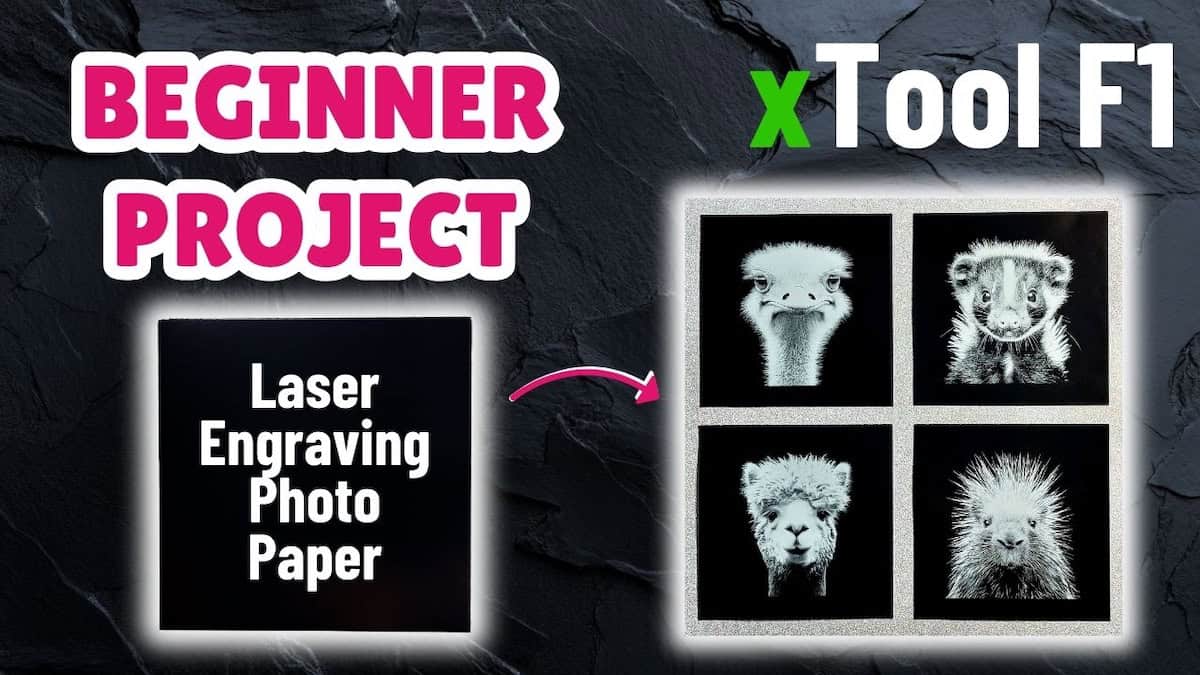
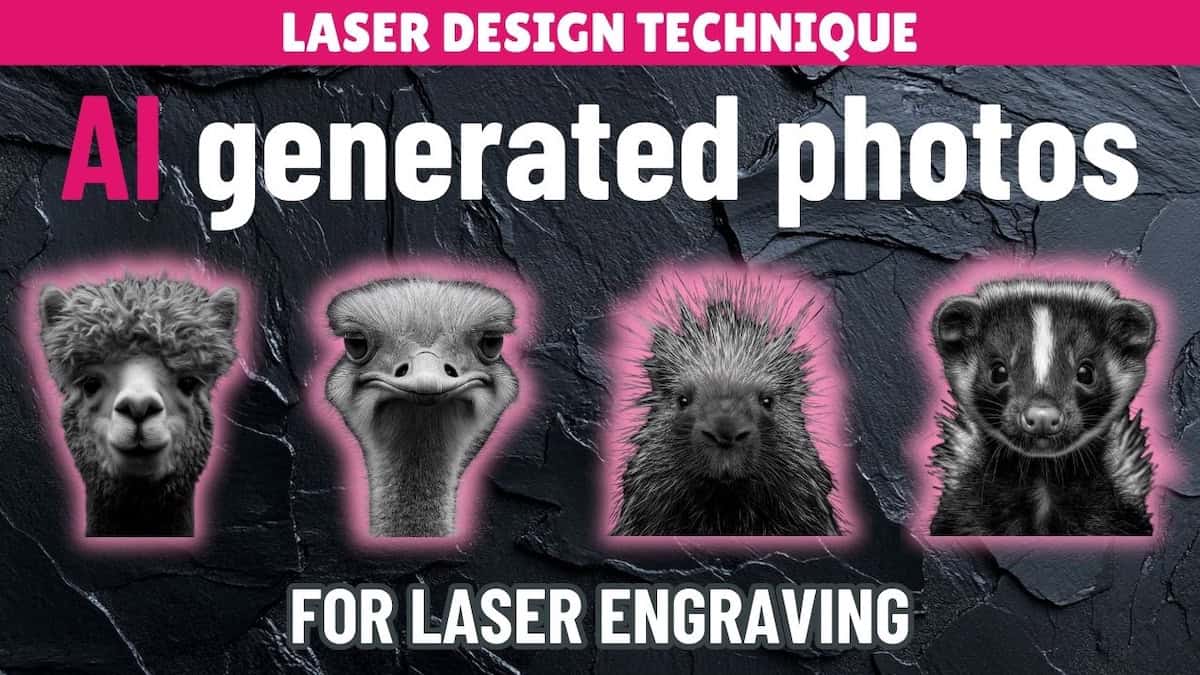
- Tutorial on how to use AI to generate and prepare photos for laser engraving
- Project tutorial for creating Christmas ornaments from the final design
- YouTube playlist: xTool F1 sample material projects
Other learning resources