Covered in this video
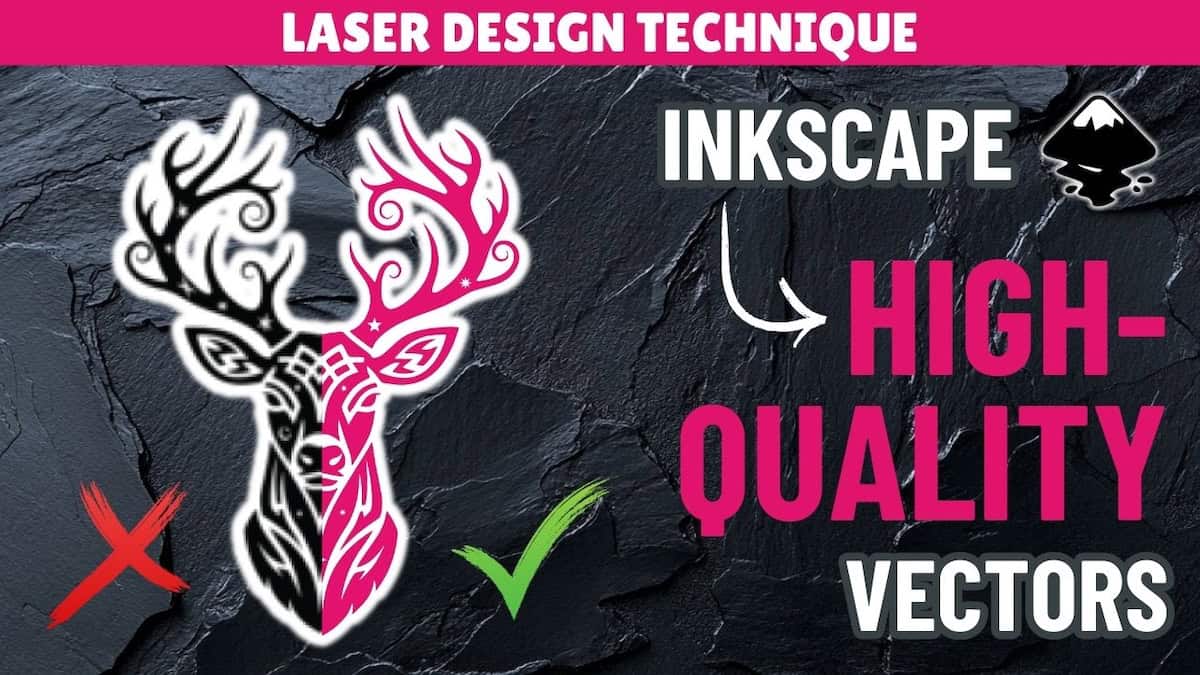
Trying to decide whether to convert a photo from raster to vector for a laser project? In this image to vector Inkscape tutorial, you’ll learn how to:
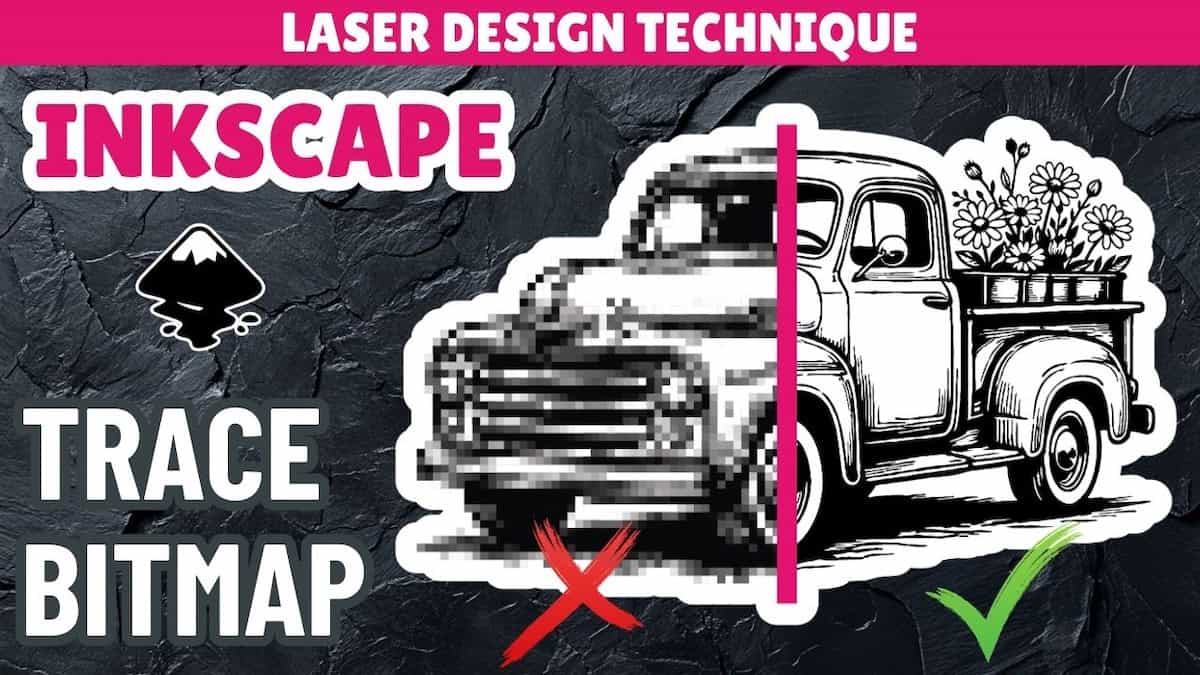
- Use Inkscape Trace Bitmap for photos
- Identify three scenarios when photo to SVG conversion makes sense
- Determine how to approach different types of photos
Video outline
- Intro
- When to use a raster photo instead of an SVG
- Case 1: Extracting a silhouette or outline
- Case 2: Extracting a simple graphic
- Case 3: Creating a scalable stylized version + laser engrave results
Resources referenced
- Download Inkscape for free
- Video on how to convert images to vectors using Trace Bitmap in Inkscape
- See the overview video explaining raster and SVG image formats
- Photoroom Background Remover
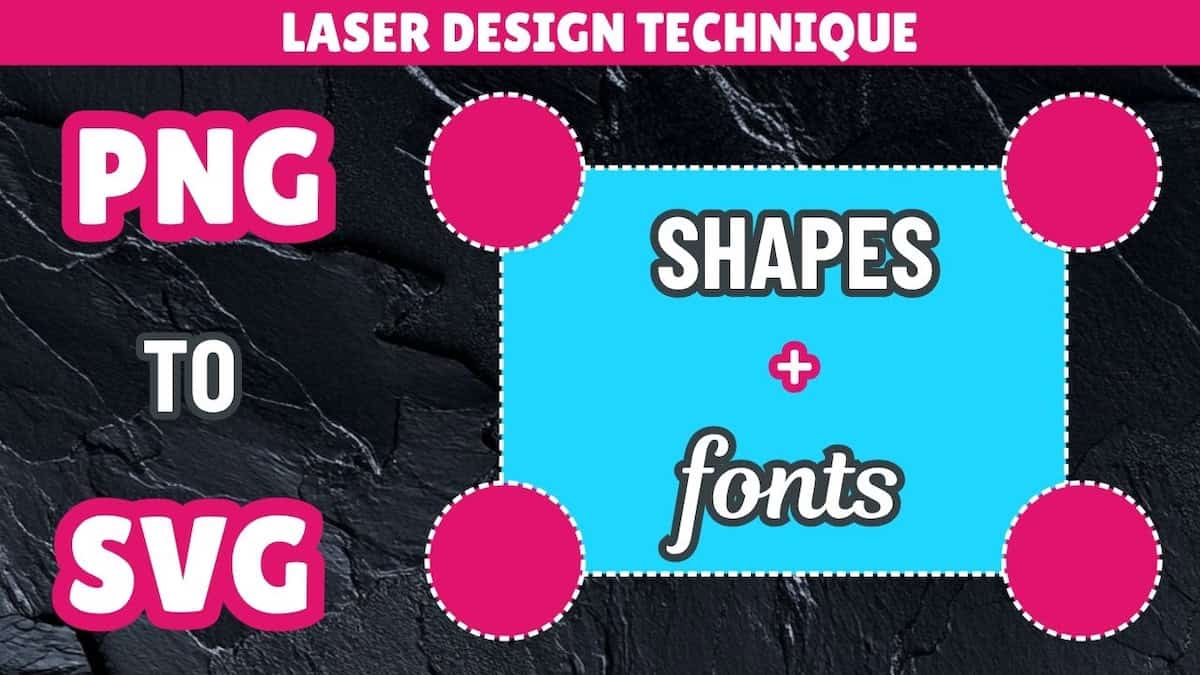
- Video on how to recreate images as vectors using shapes and fonts in Inkscape
- Video on how to rebuild images as vectors using manual drawing tools in Inkscape: Coming soon!
- Playlist for all design tutorials on converting image to SVG
Other learning resources