Covered in this video
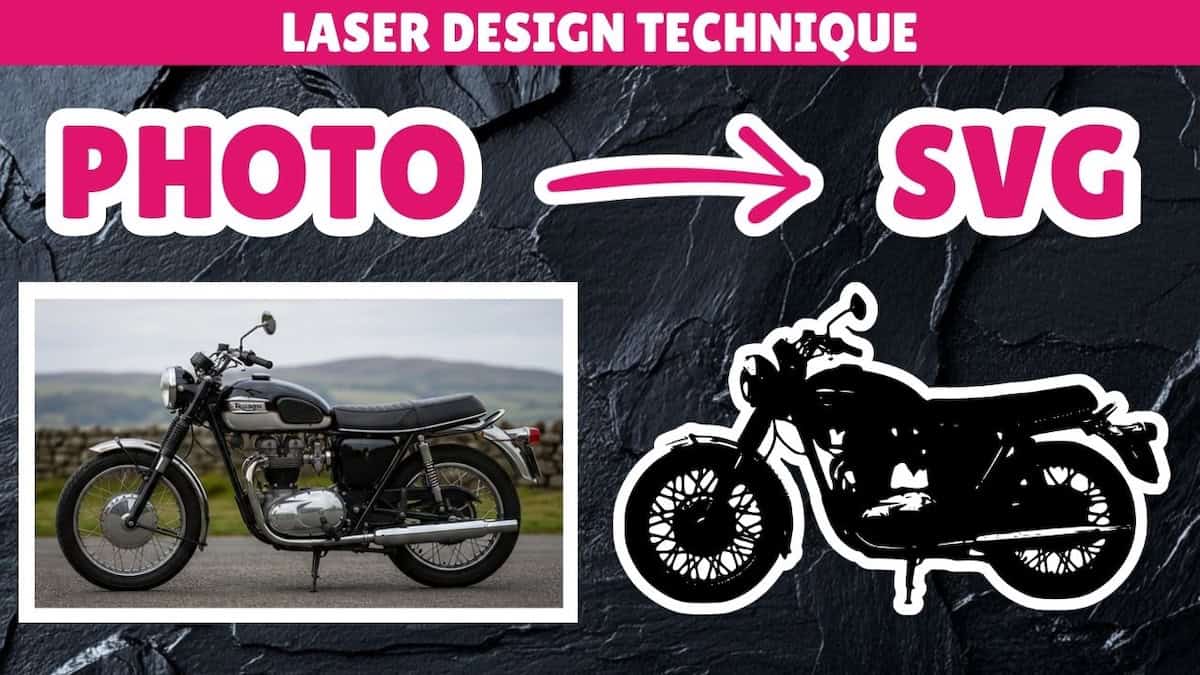
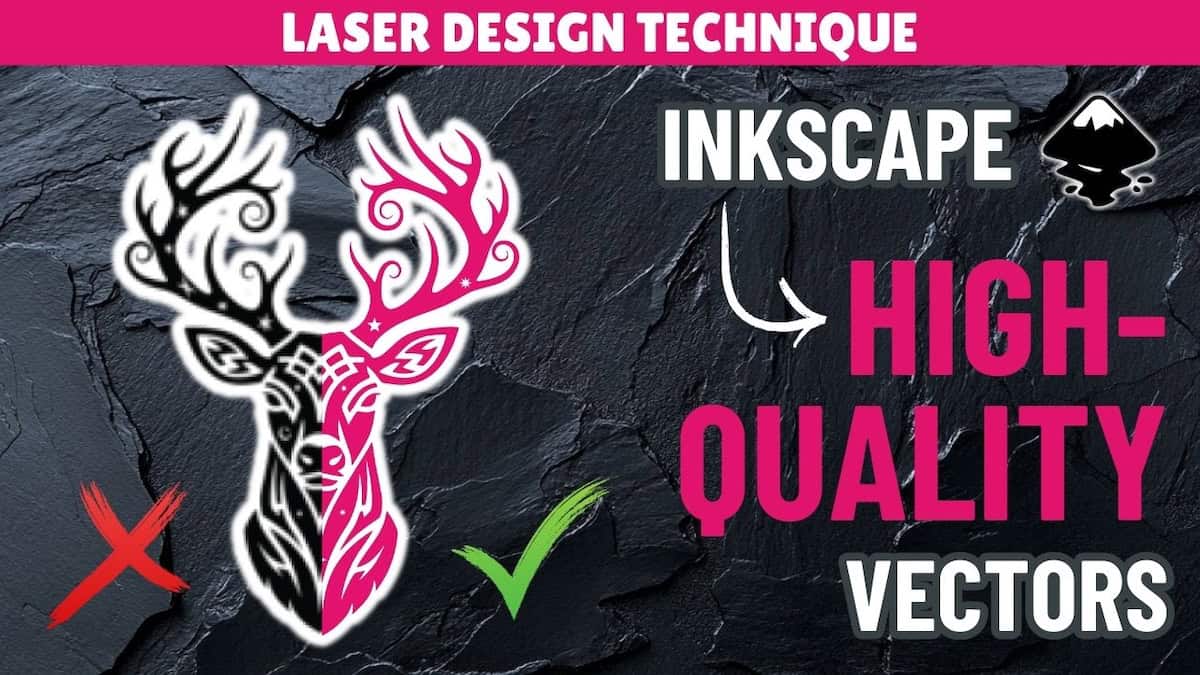
Learn image to vector conversion in Inkscape for laser cutting and engraving using the Trace Bitmap tool. You’ll learn how to:
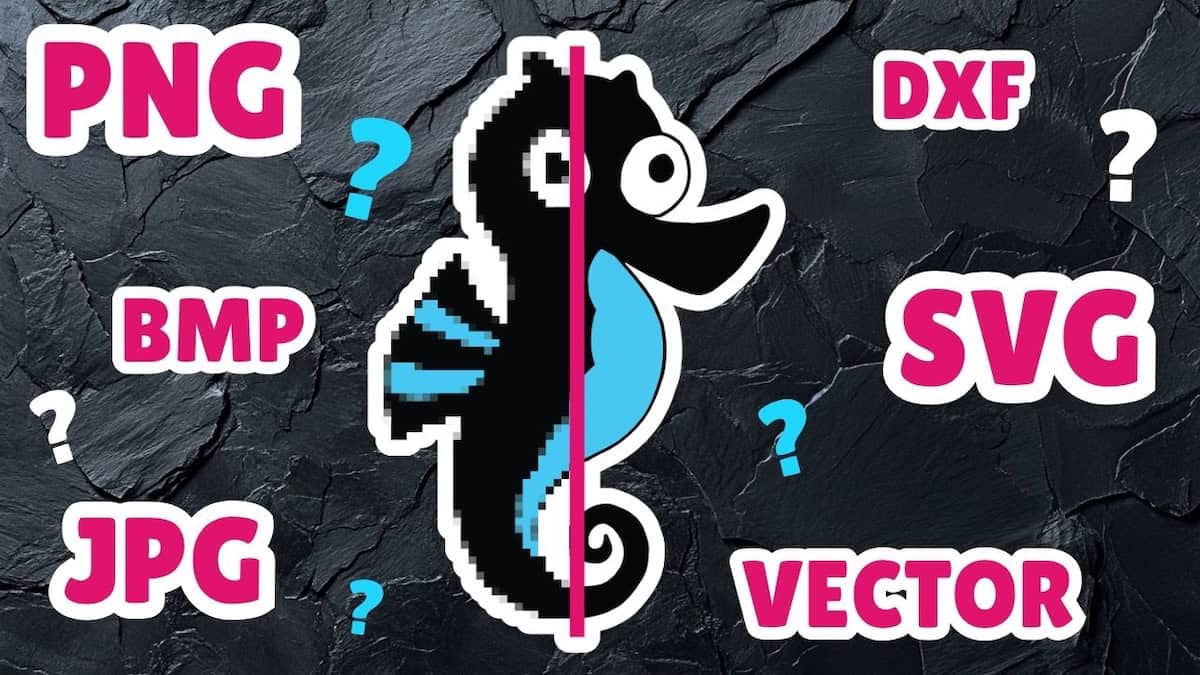
- Automatically convert raster images (PNG/JPG/BMP) to vector images (SVGs)
- Identify whether Trace Bitmap is a good fit for the image you want to convert (and when a different option is better)
- Use the right settings and adjustments for different image types and project goals
Video outline
- Intro
- Bulk tracing of high contrast images
- Threshold setting explained
- Single image conversion demo
- Invert setting explained
- Speckles setting explained
- Smooth corners setting explained
- Optimize setting explained
- Export to SVG
- Create image outline using Edge Detection mode
Resources referenced
- Inkscape free download page
- Intro video explaining laser cutting image formats
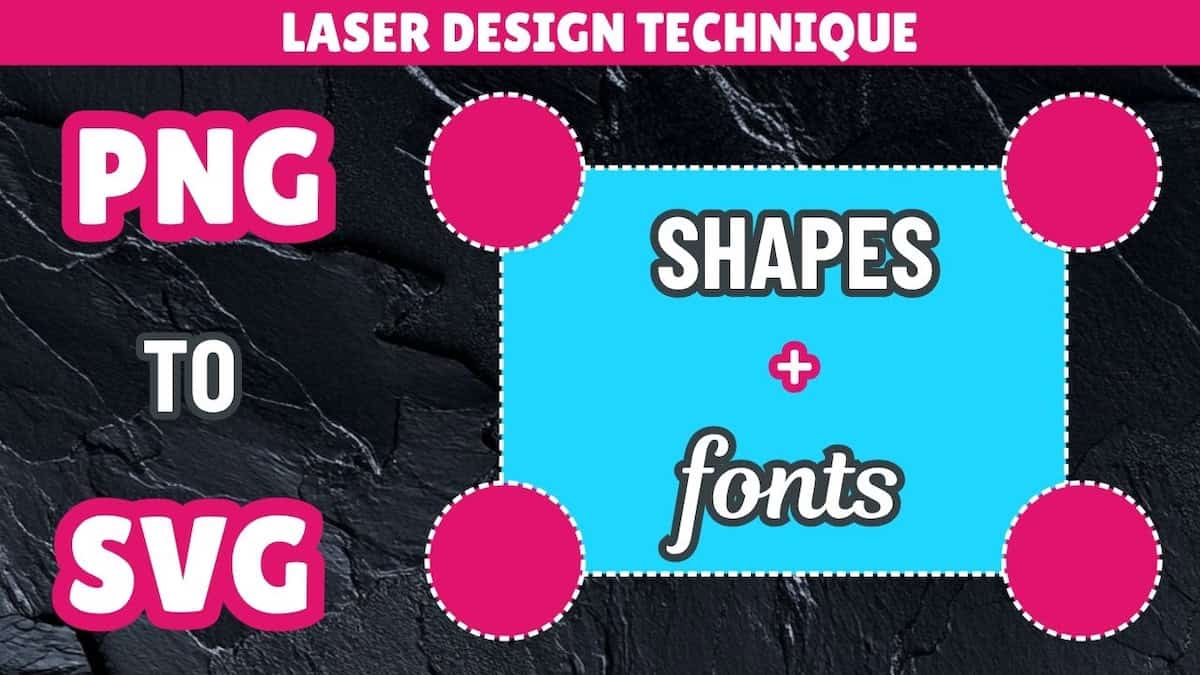
- Video on how to recreate images as vectors using shapes and fonts in Inkscape
- Video on how to rebuild images as vectors using manual drawing tools in Inkscape: Coming soon!
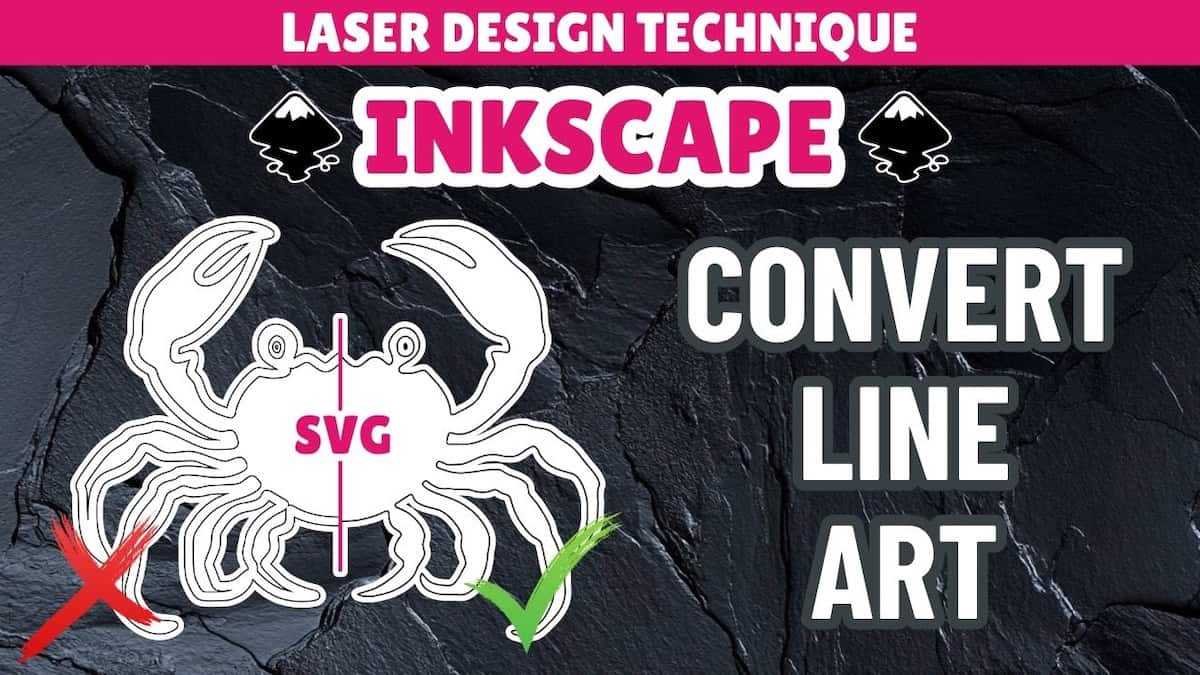
- Tutorial on converting line art to SVG using Inkscape’s Trace Bitmap tool
- Playlist for all design tutorials on converting image to SVG
Other learning resources