Covered in this video
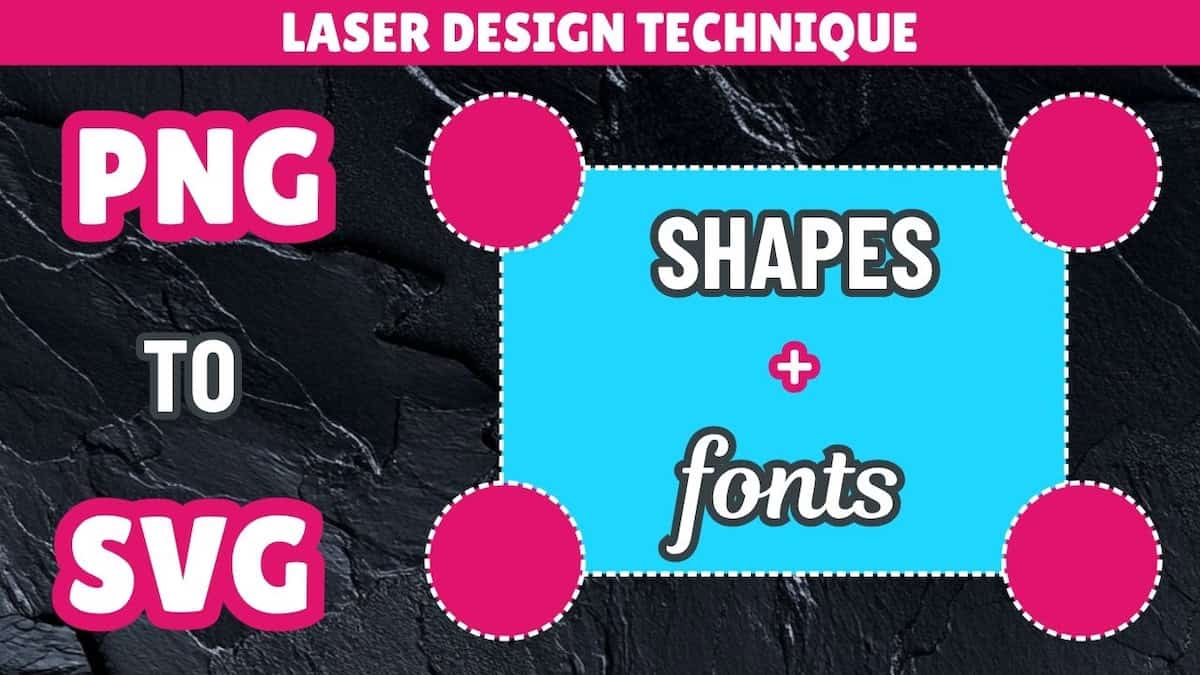
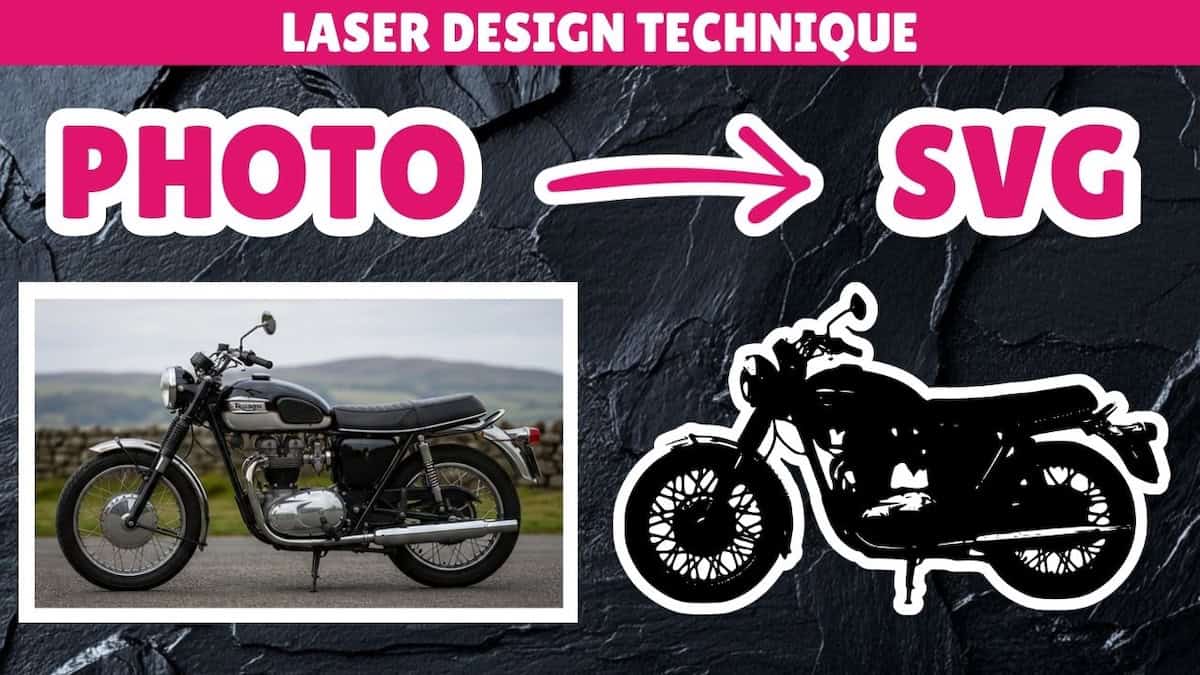
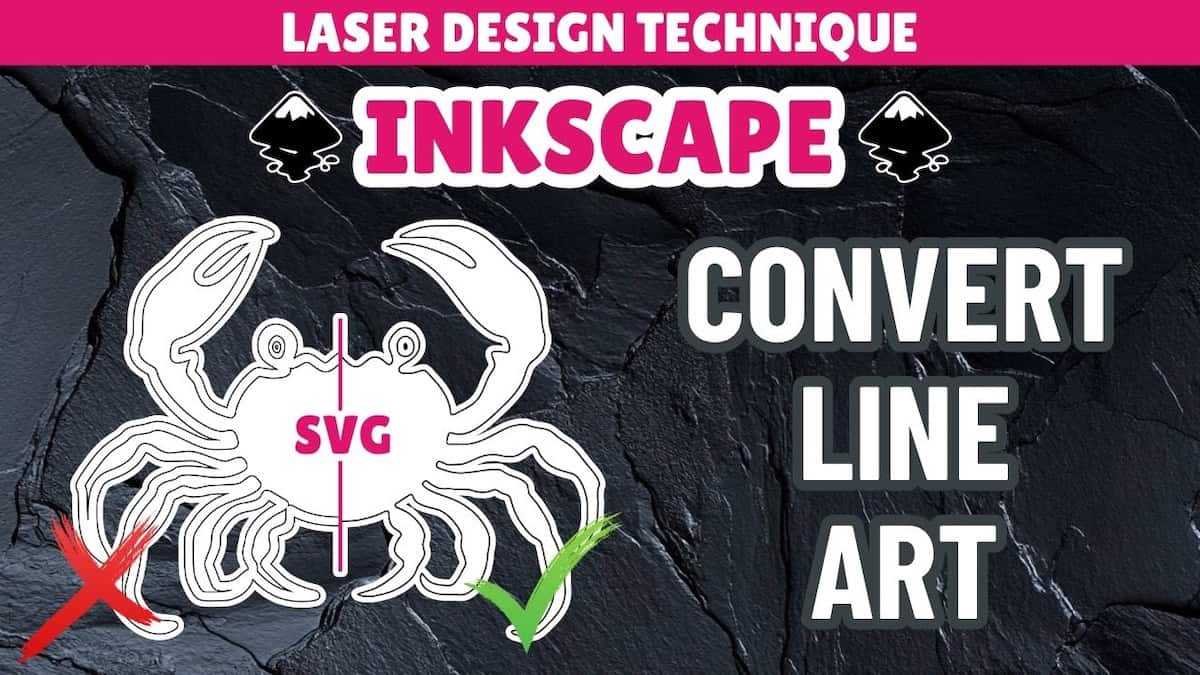
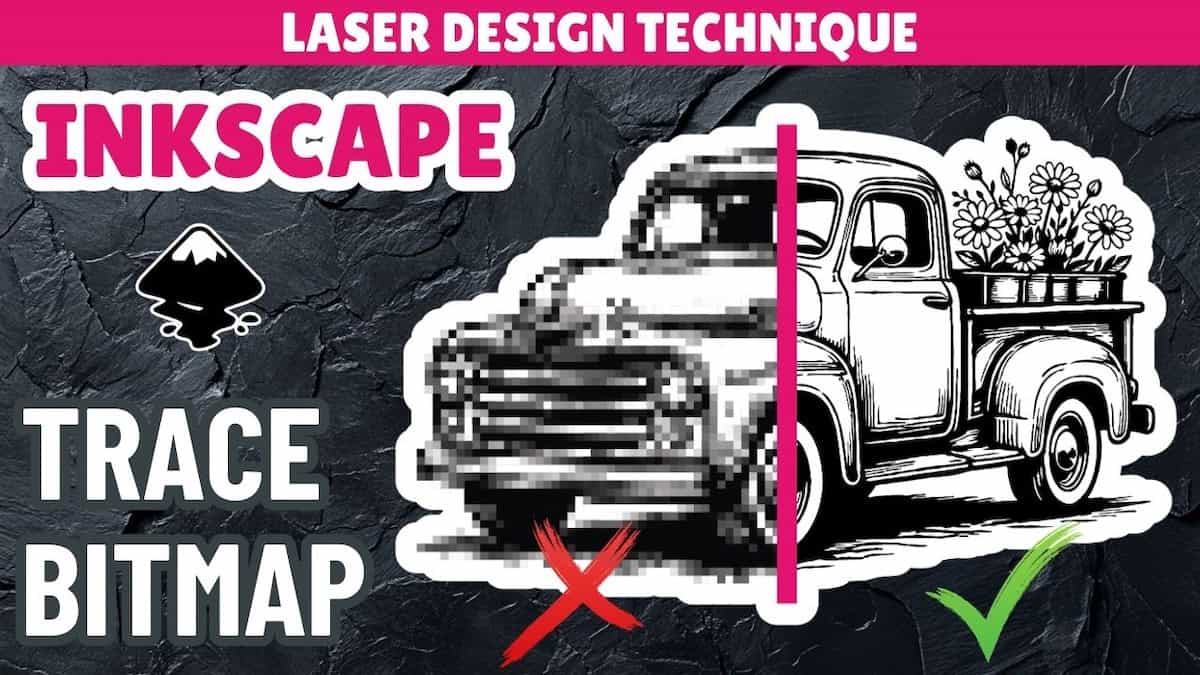
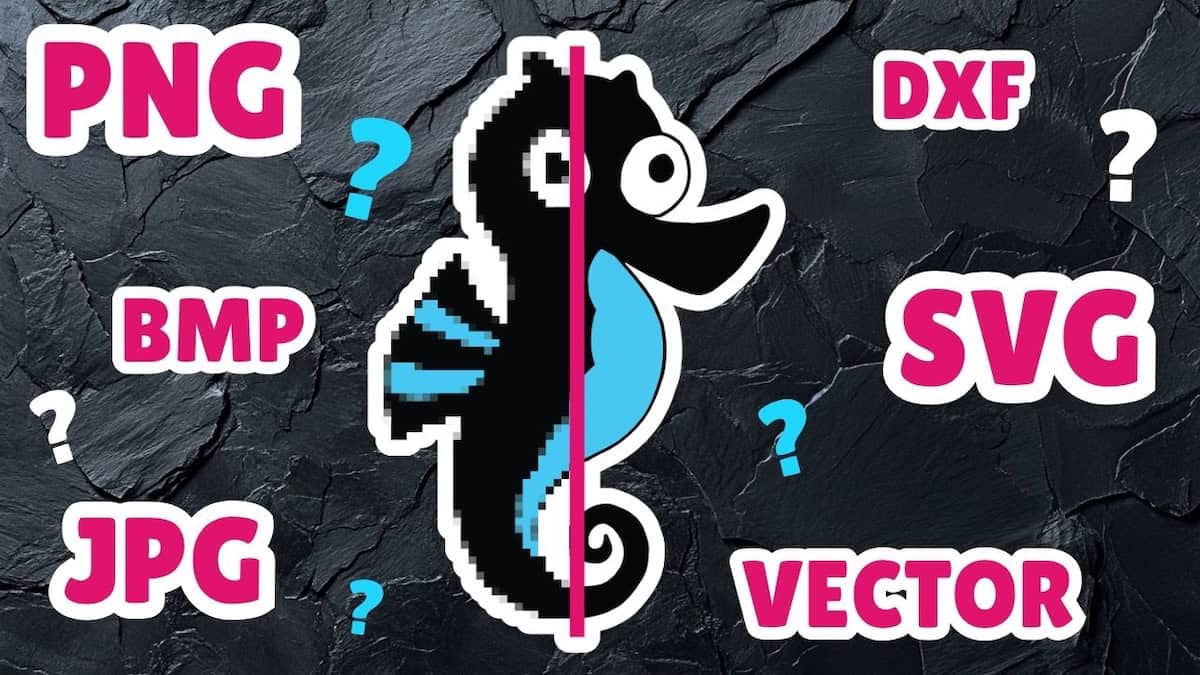
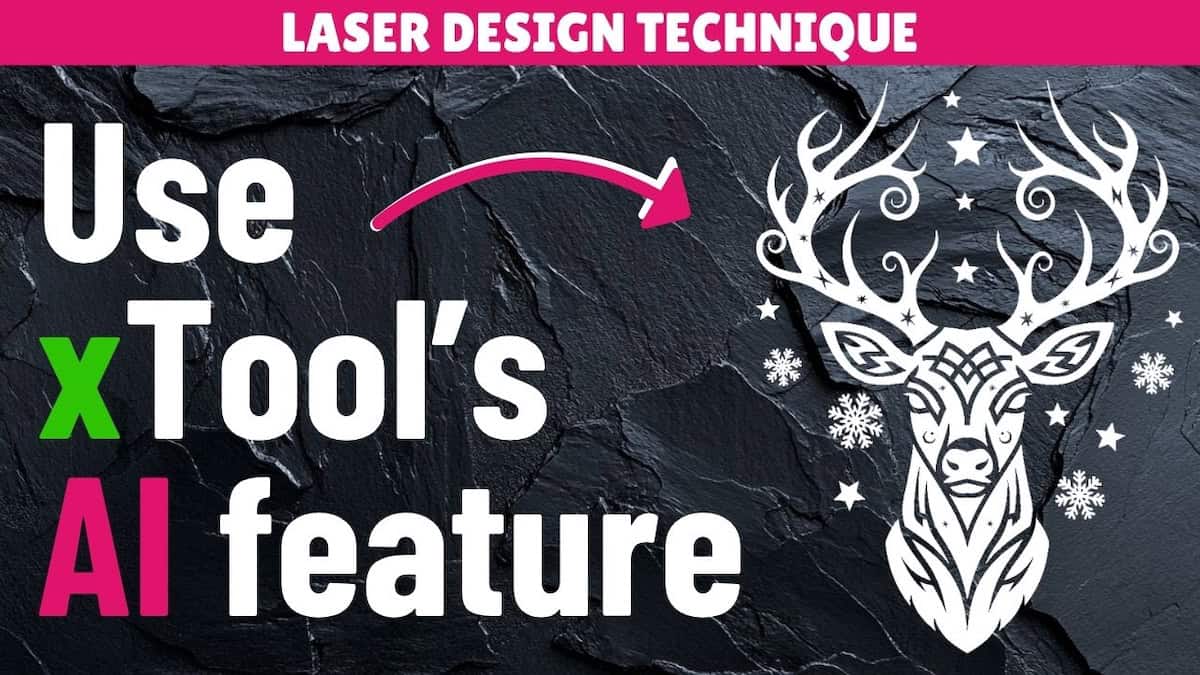
In this Inkscape tutorial, I’ll walk you through how to use a free design program to convert PNG designs into SVG vectors and create a professional design for laser engraving. You’ll learn how to:
- Quickly convert a design from PNG to vector format
- Assemble different design elements into a single, combined laser engraving design
- Clean up paths and details to create a professional-quality design for engraving
Files used in this video
Video outline
- Intro
- Step 1: Create working space
- Step 2: Import design elements
- Step 3: Convert to vector
- Step 4: Assemble final design
- Step 5: Combine the design
- Step 6: Cleanup paths
Resources referenced
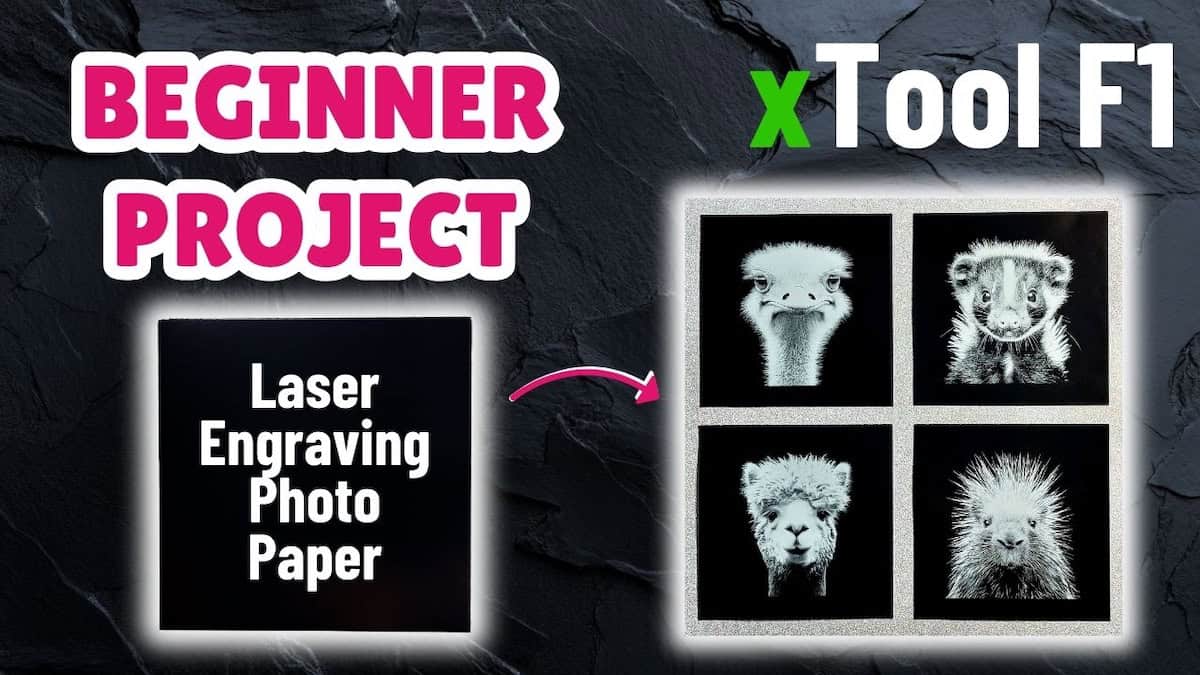
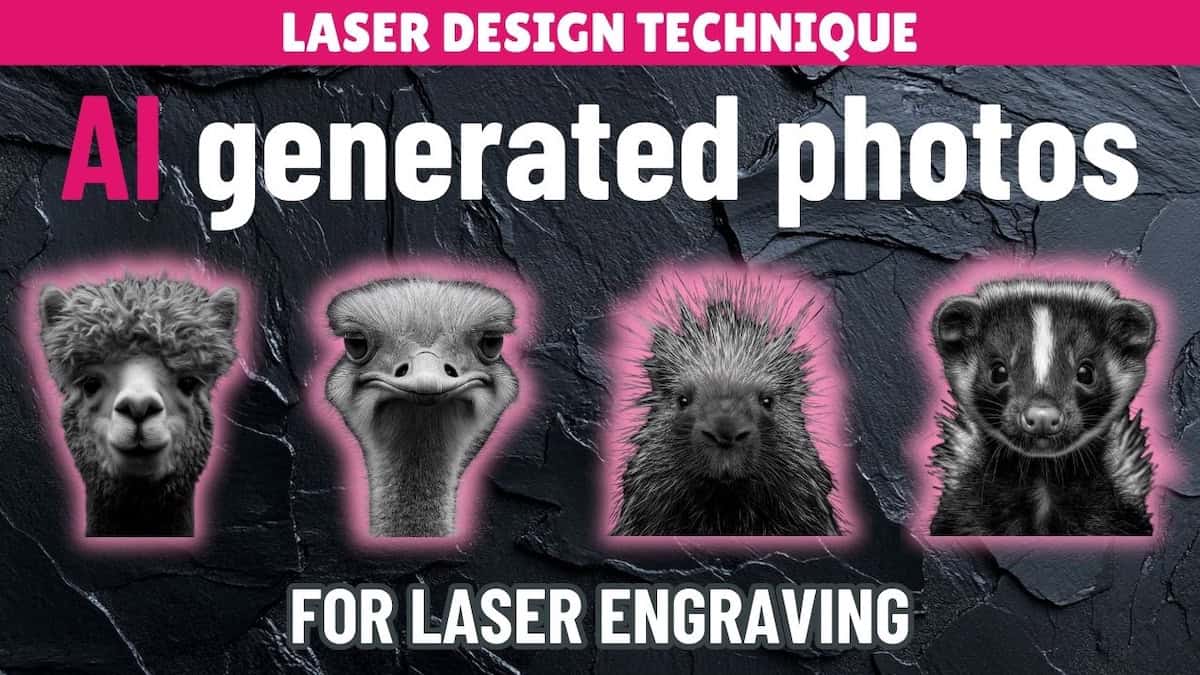
- Tutorial for using xTool AI tool to create laser engraving designs
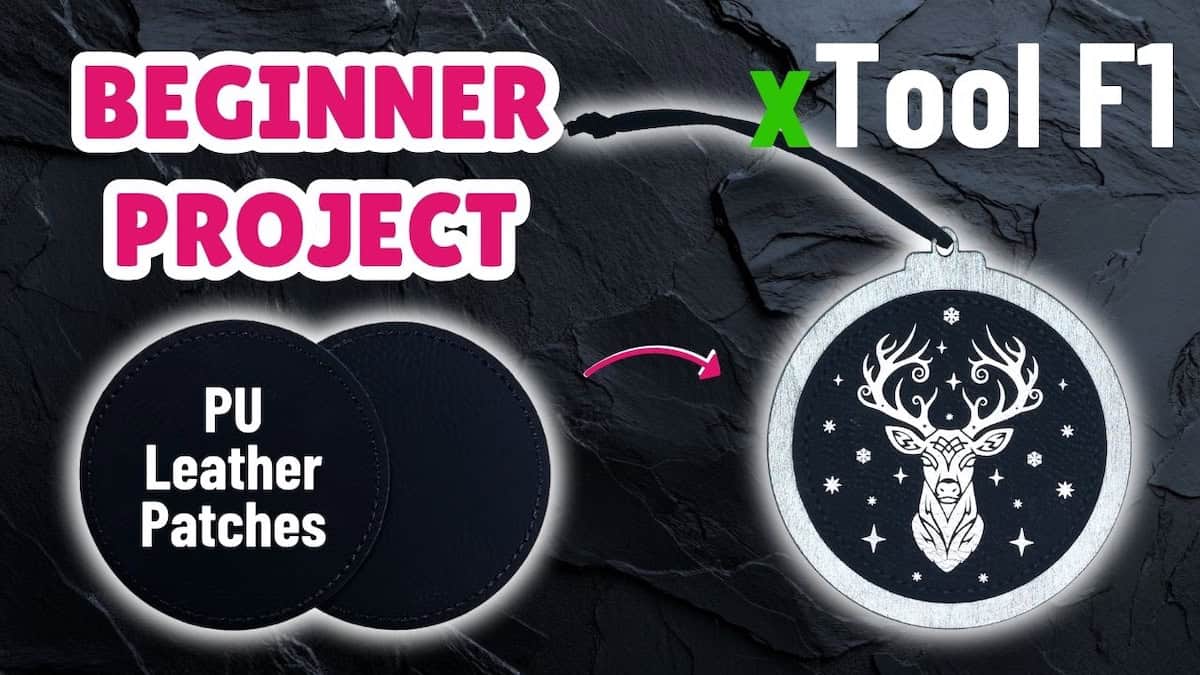
- Project tutorial for creating Christmas ornaments from the final design
- xTool’s Atomm AImake tool
Other learning resources