Covered in this video
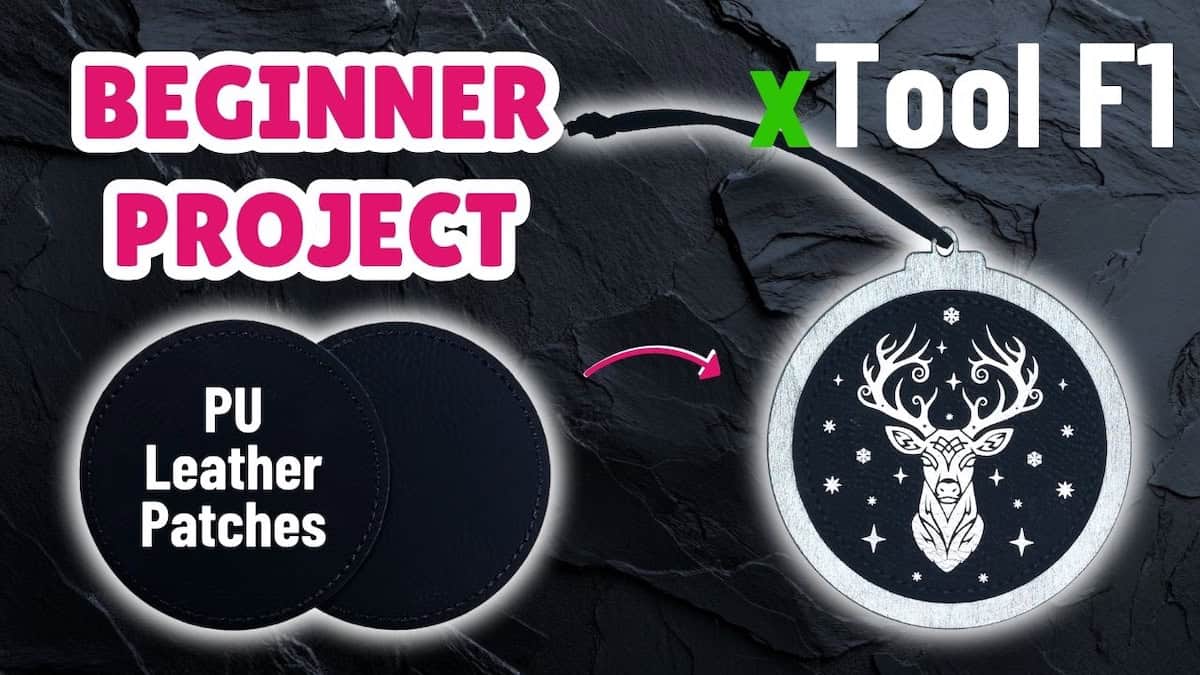
Just starting out with the xTool F1 laser cutting machine? In this beginner-friendly tutorial, I show you how to make stunning laser-cut coasters using the basswood plywood that came with the xTool F1. I’ll walk you through how to:
- Find the right xTool F1 laser cutting and laser engraving settings
- Get the free design file and prepare, cut, and engrave the basswood plywood
- Finish the coasters with an easy technique using bold, vibrant colours
Files used in this video
Supplies for this project
Note: Some of the links below may be affiliate links. If you click one and purchase the item, I’ll receive an affiliate commission that will support me in creating more videos and design files (but at no extra cost to you).
- xTool F1 Laser Cutting Machine
- xTool Laser Safety Glasses
- Black Acrylic Apple Barrel Paint
- White Acrylic Apple Barrel Paint
- Mont Marte Acrylic Paint – Brilliant Red, Phthalo Blue, Deep Yellow
- North Shore Acrylic Medium Pearl Paint
- Jacquard Pearl Ex Pigments
- Zinsser Clear Shellac Spray
- Paper Transfer Tape for Masking
Video outline
- Intro
- Step 1: Finding your settings
- Step 2: Cut the coasters
- Step 3: Prep coasters for engraving
- Step 4: Engrave coasters
- Step 5: Prep for painting
- Step 6: Paint coasters
- Step 7: Remove masking
- Step 8: Touch up with black
- Step 9: Final finishing coat
- Finished coasters
Resources referenced
- Video tutorial on how to paint fill engraved wood, including a comparison of two techniques
- Video on unpacking xTool F1 sample pack
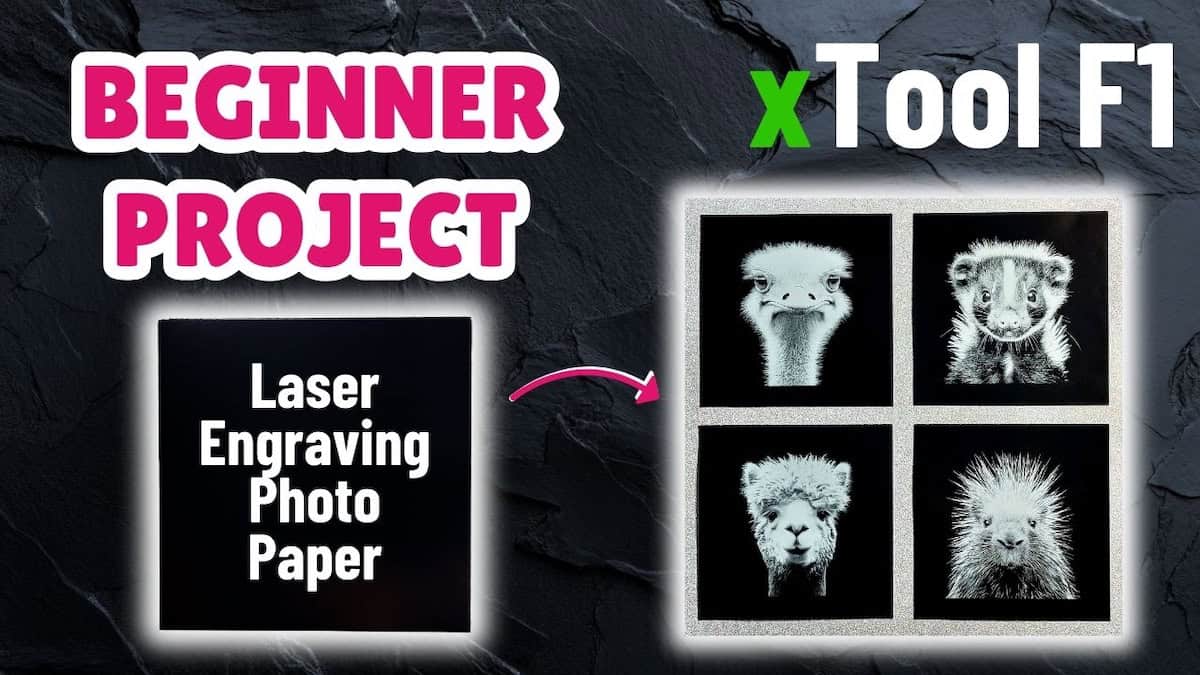
- Video tutorial for next sample material – Laser Engraving Photo Paper
- YouTube playlist: xTool F1 sample material projects
Other learning resources