
Learn laser cutting through projects, tutorials, and guides
Explore laser cutting videos and articles, each with the files, links, and details you need to follow along or go deeper.
Resouce type
Material
Skill level
Theme
Content format
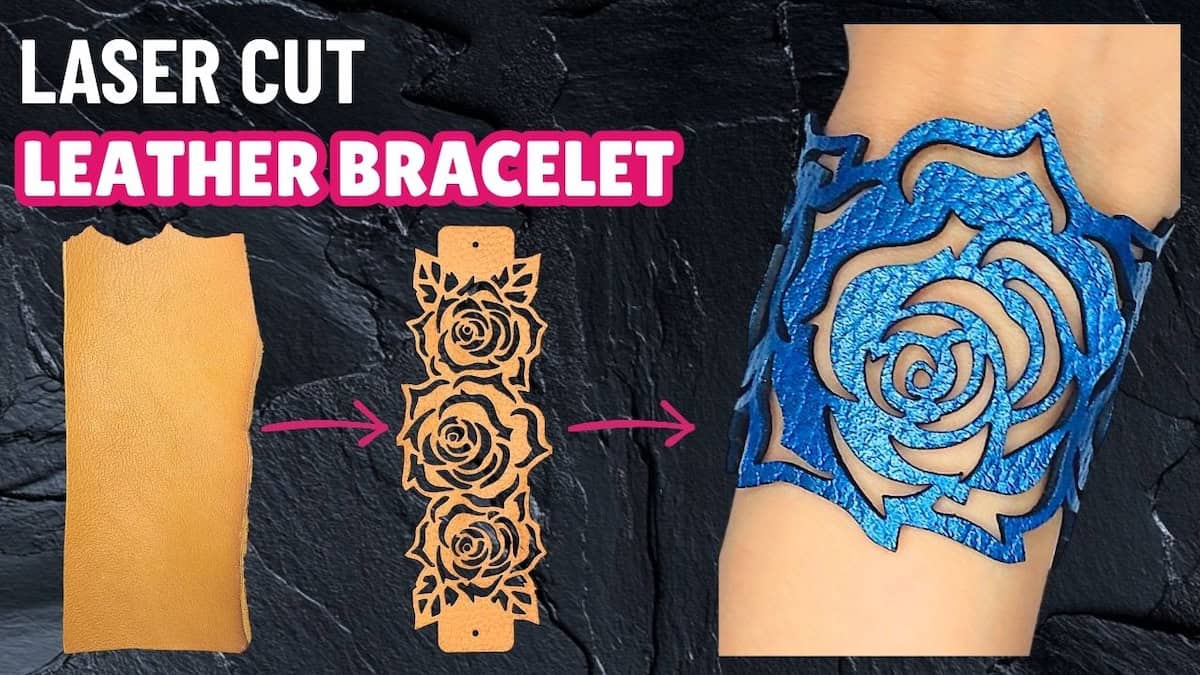
Laser cutting leather bracelet tutorial with my most popular designs
In this video, you'll learn how to turn my best-selling bracelet designs into premium bracelets you can wear, gift, or sell.
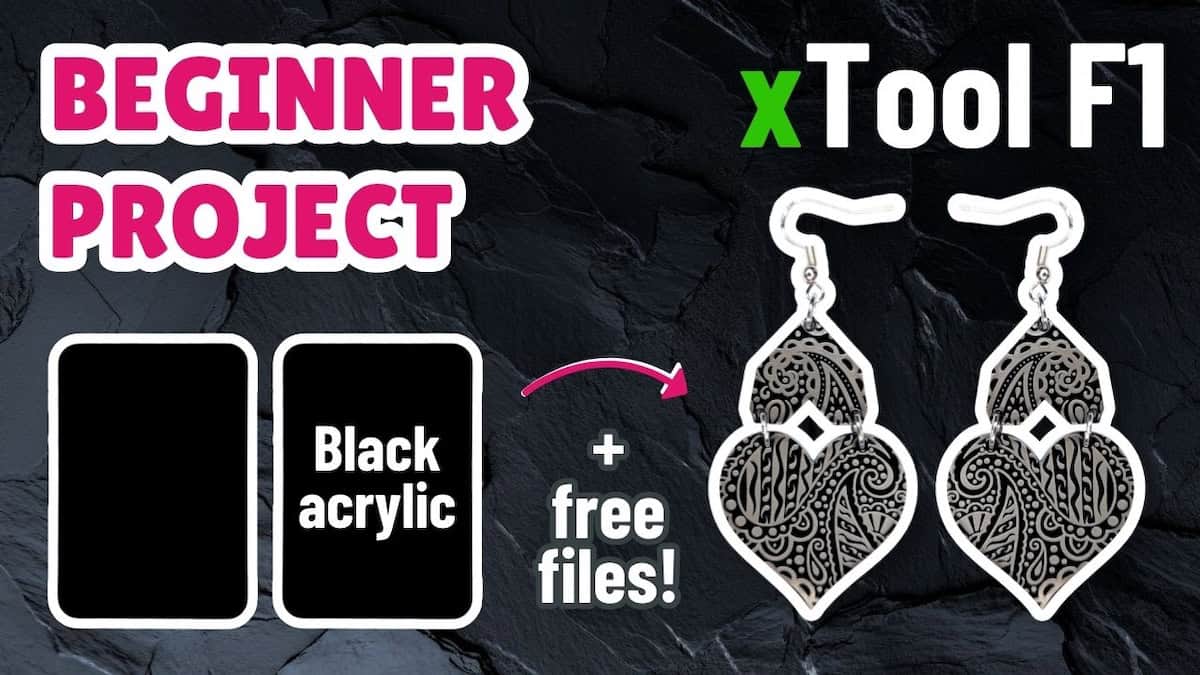
Black acrylic xTool F1 project: Laser engraved earrings tutorial
In this xTool F1 tutorial, I'm sharing a simple DIY laser cut earrings project using the black acrylic samples from the materials pack.
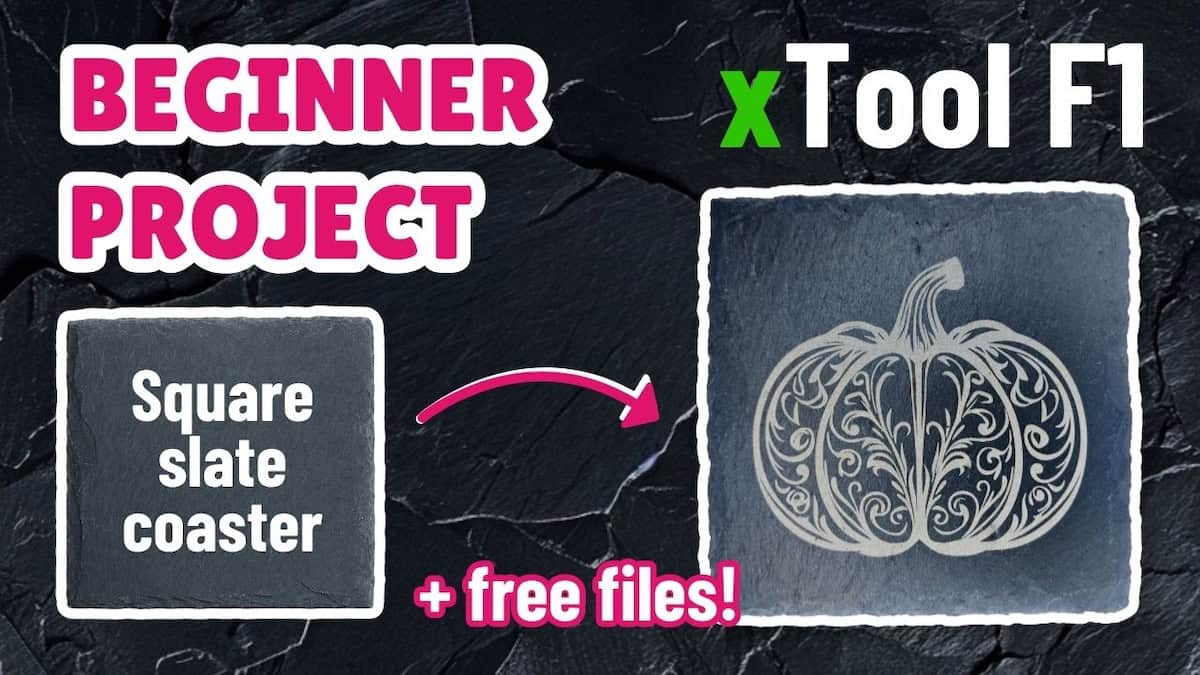
Slate coaster xTool F1 project: Halloween pumpkin coaster tutorial
In this xTool F1 tutorial, I’ll walk you through this easy beginner project making a simple slate coaster using a free pumpkin design.
Image to vector in Inkscape: Rebuild SVGs with shapes and fonts | PNG to SVG series
In this video, you’ll learn when to manually rebuild your image as an SVG in Inkscape using shapes and fonts, and how to do it.
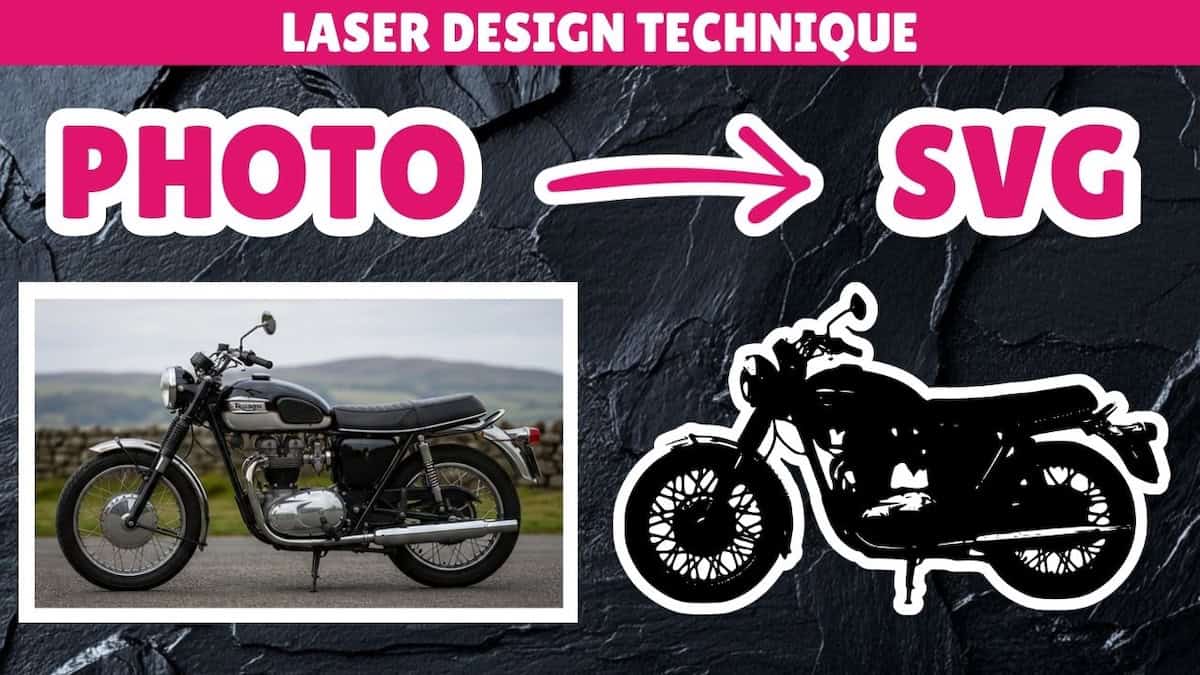
Image to vector in Inkscape: Trace Bitmap for photos | PNG to SVG series
In this image to vector Inkscape tutorial, you’ll learn how and when to convert photos to SVG, and how to handle different photo types.
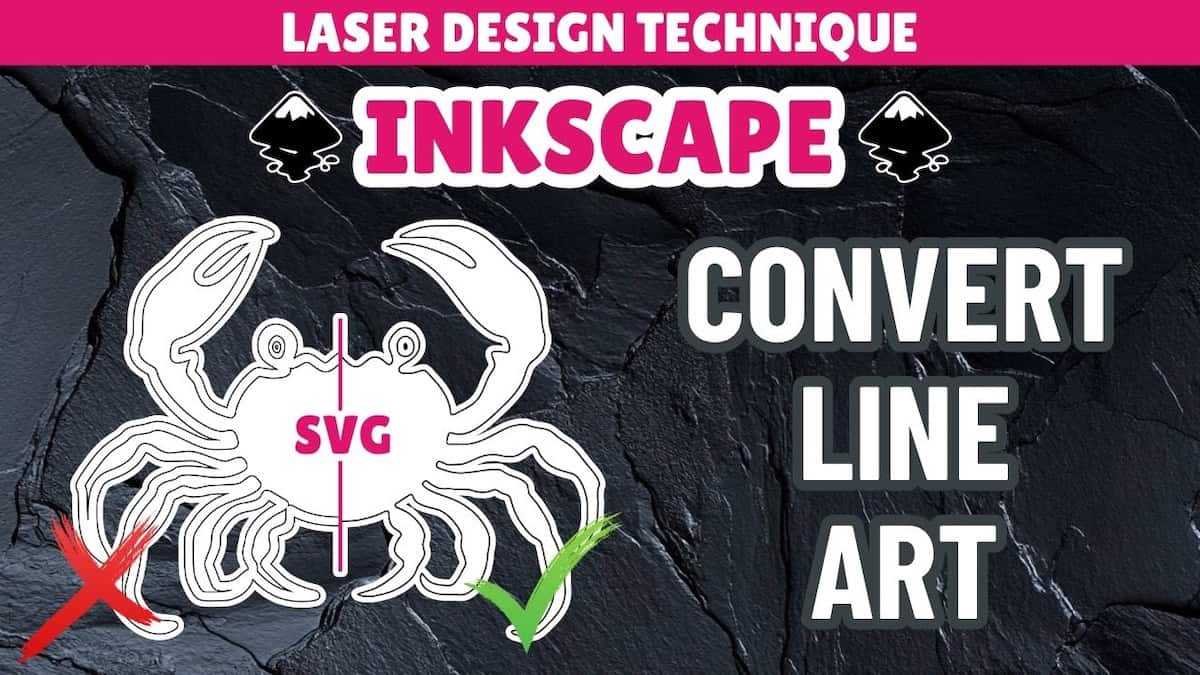
Image to vector in Inkscape: Trace Bitmap for line art | PNG to SVG series
In this Inkscape tutorial, you'll learn how Inkscape’s Trace Bitmap tool converts line art to SVG, and how to avoid unexpected results.
Image to vector in Inkscape: 3 cases where Trace Bitmap isn’t good enough | PNG to SVG series
Inkscape’s Trace Bitmap tool isn't the best way to convert raster to SVG files for laser cutting in these 3 cases. Learn what to do instead.
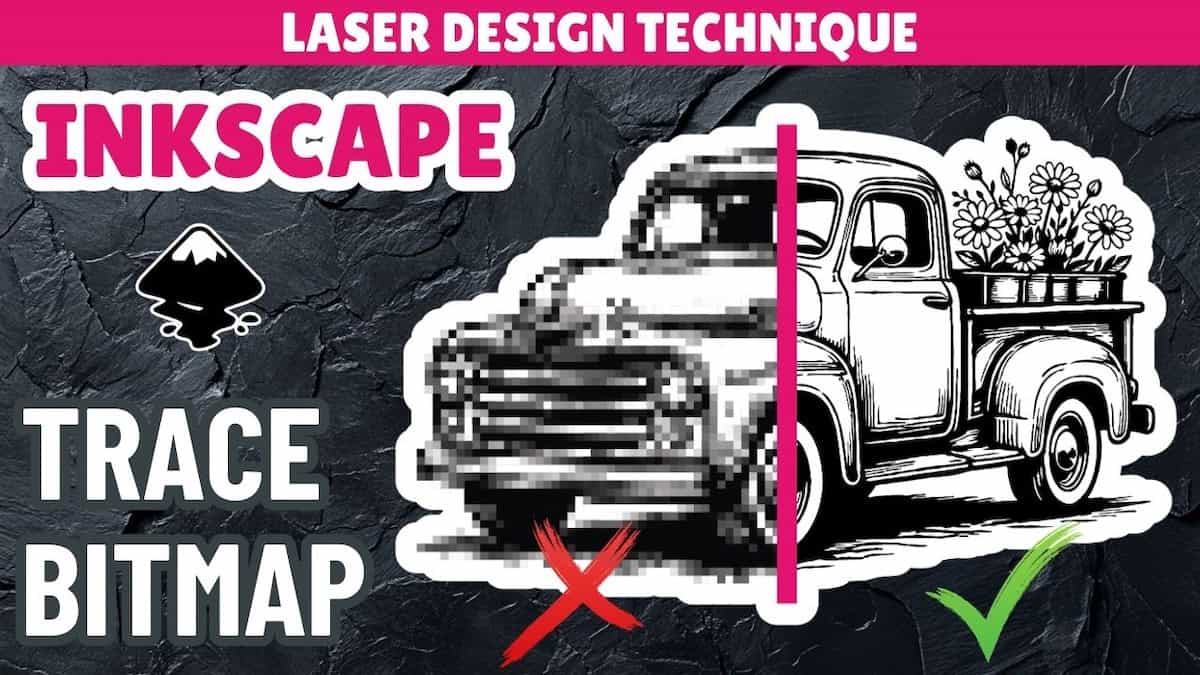
Image to vector in Inkscape: Trace Bitmap for laser cutting | PNG to SVG series
Learn automatic raster image to vector image conversion in Inkscape for laser cutting and engraving using the Trace Bitmap tool.
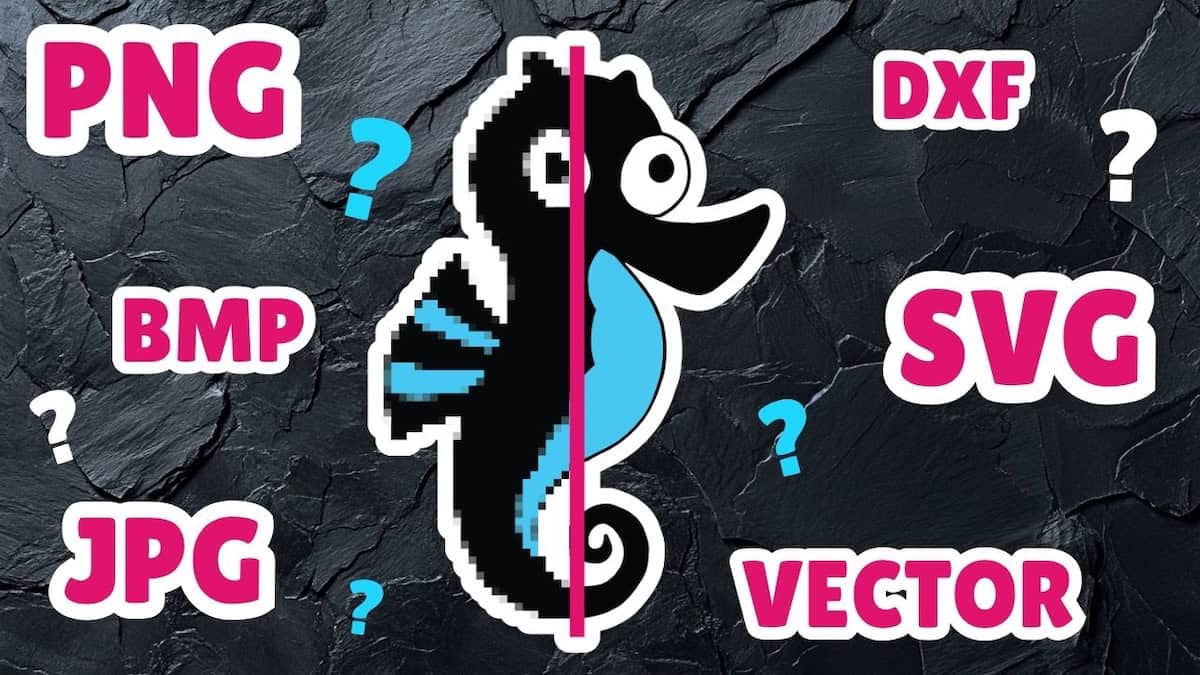
Laser cutting image formats explained | Laser cutting basics
A quick video about the difference between rasters (PNG, JPG, BMP) and vectors (SVG, DXF), and when to use which for laser cutting/engraving.
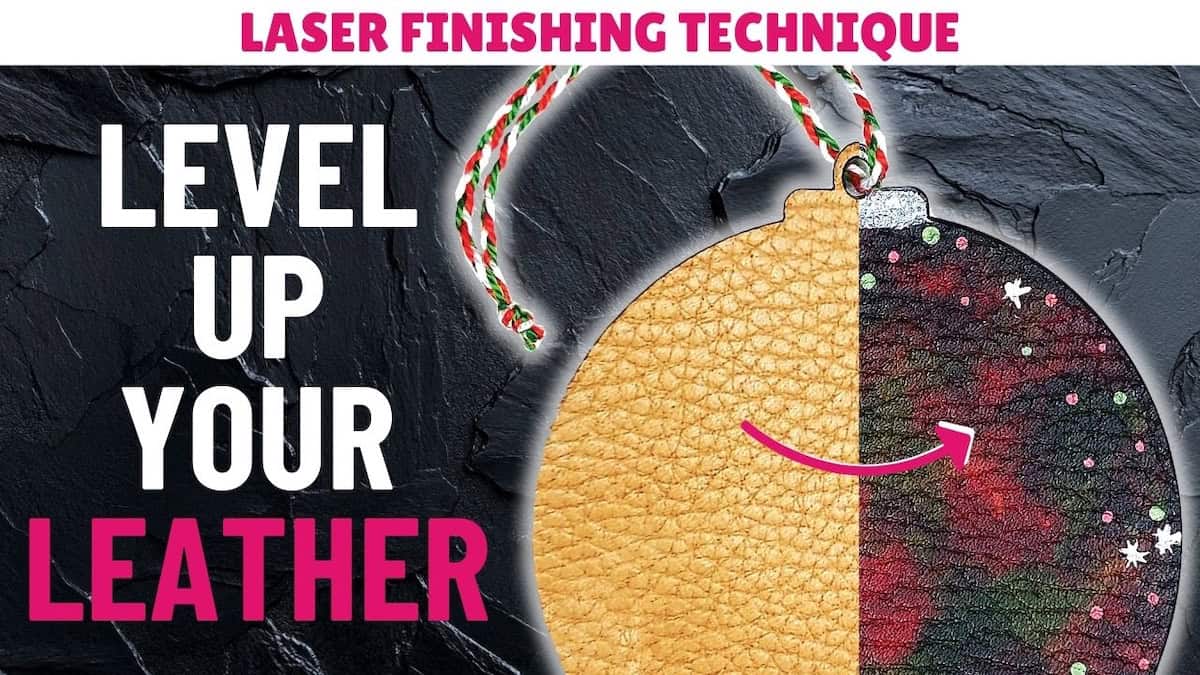
Leather finishing process for your laser leather project
In this tutorial, you'll learn how to finish laser-cut veg-tan leather, including dyeing, painting, conditioning, and sealing the leather.
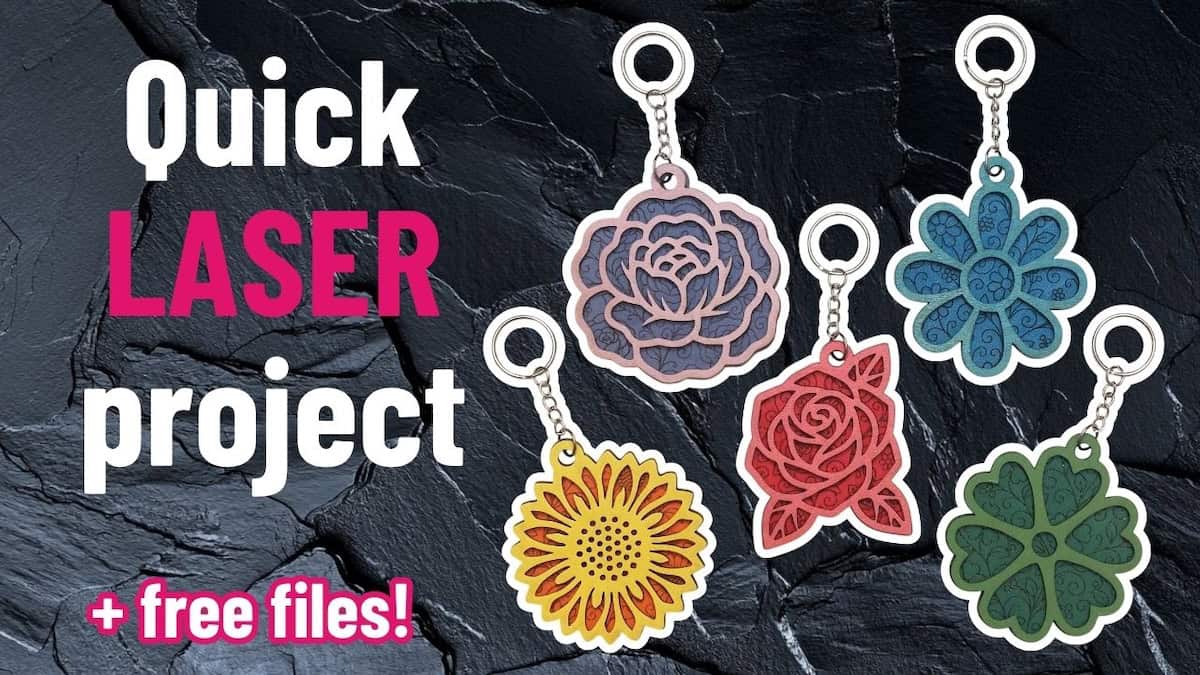
Quick layered laser cut keychain project
In this laser cut keychain tutorial, you'll learn to make cute flower keychains using free SVG files, a few supplies, and your laser cutter.
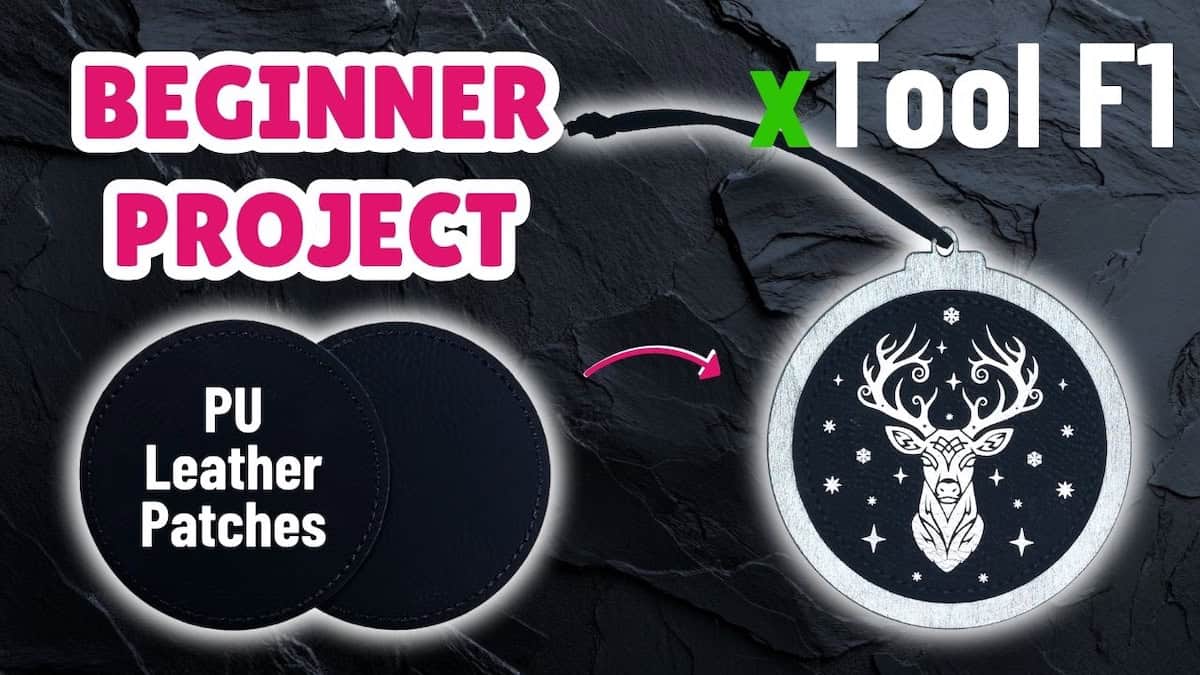
PU leather patch xTool F1 project: Christmas ornament tutorial
In this beginner tutorial, I show you how to make festive laser-engraved Christmas ornaments using the PU leather patches using the xTool F1.
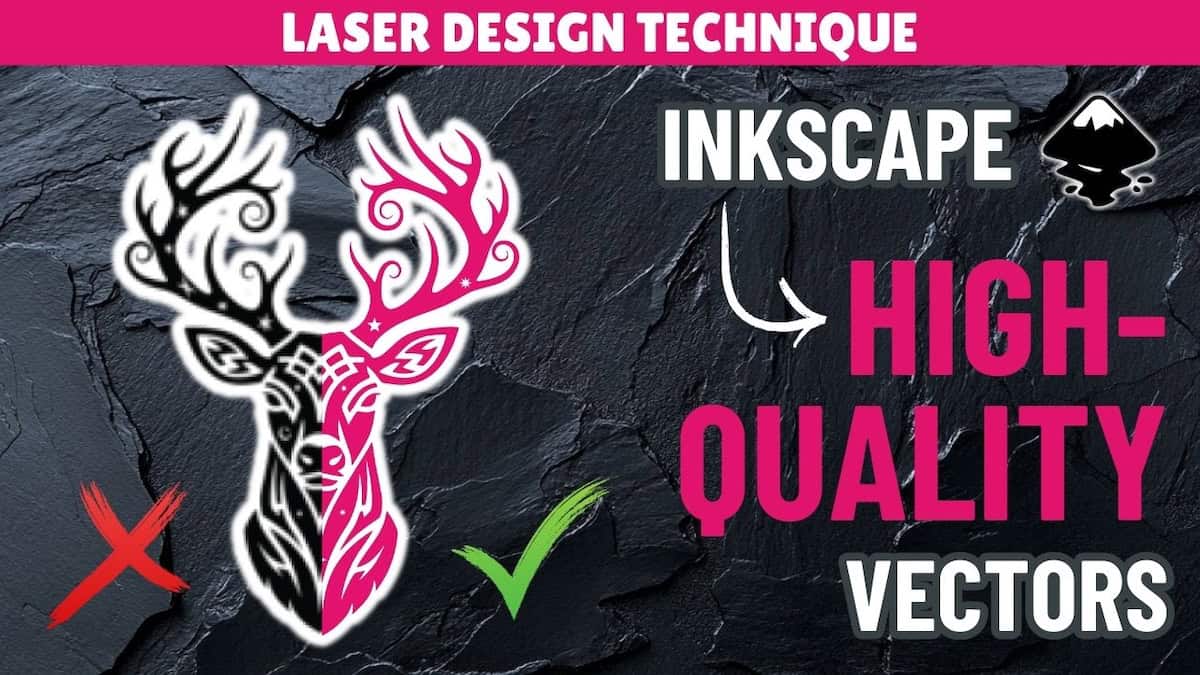
How to make laser engraving designs | PNG to vector Inkscape tutorial
In this Inkscape tutorial, you'll learn how to convert PNG designs into SVG vectors and create a professional design for laser engraving.
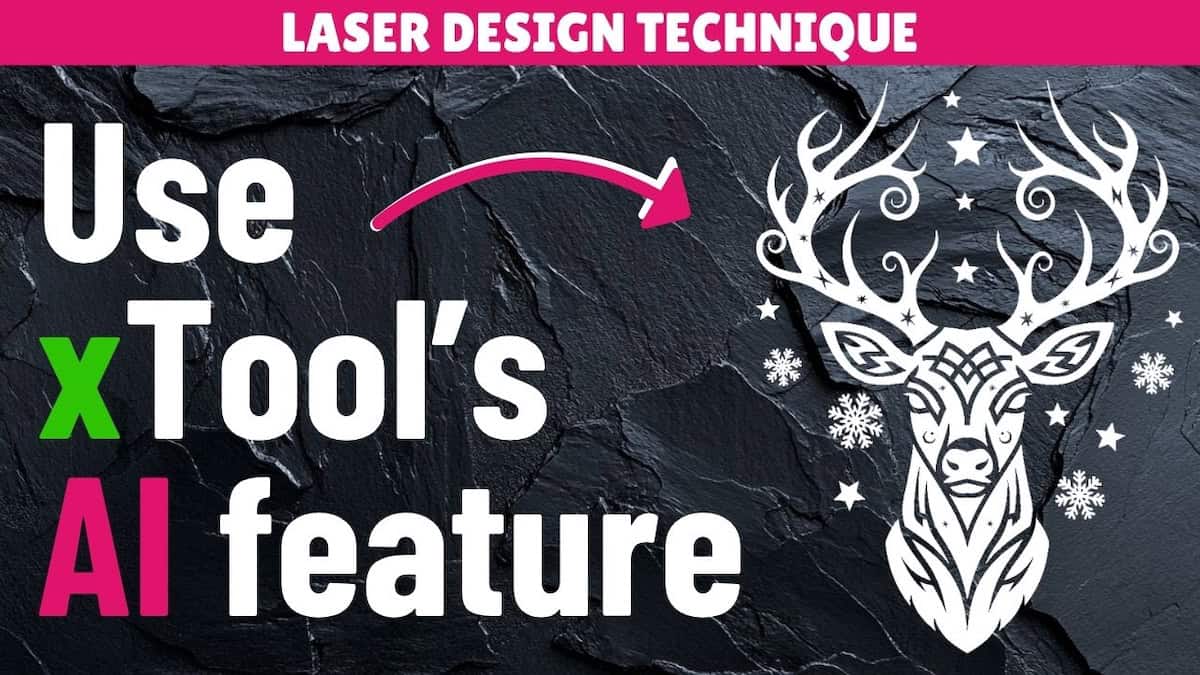
Use the xTool AI feature ‘Atomm AImake’ for laser engraving designs
In this AI image generation tutorial, I’ll show you how to use xTool’s Atomm AImake tool to generate design elements for laser engraving.
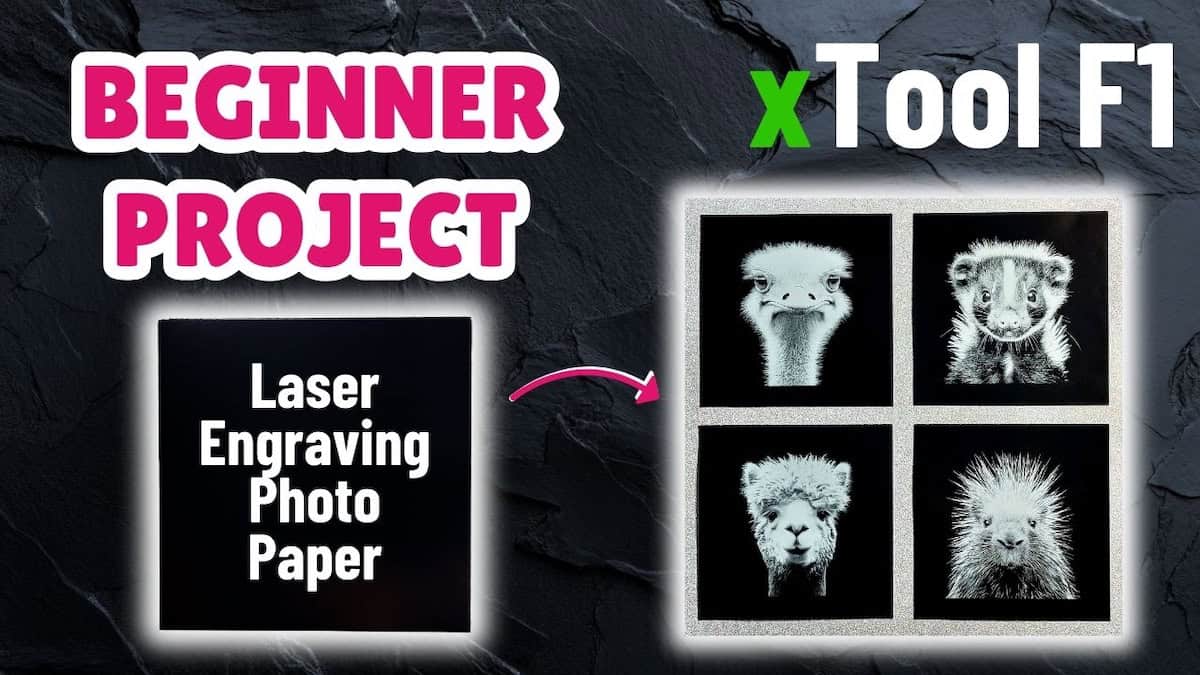
Laser engraving photo paper xTool F1 project: wall art panels tutorial
In this xTool F1 project tutorial, you'll learn how to make cute animal wall art on laser engraving photo paper from the xTool F1 sample kit.
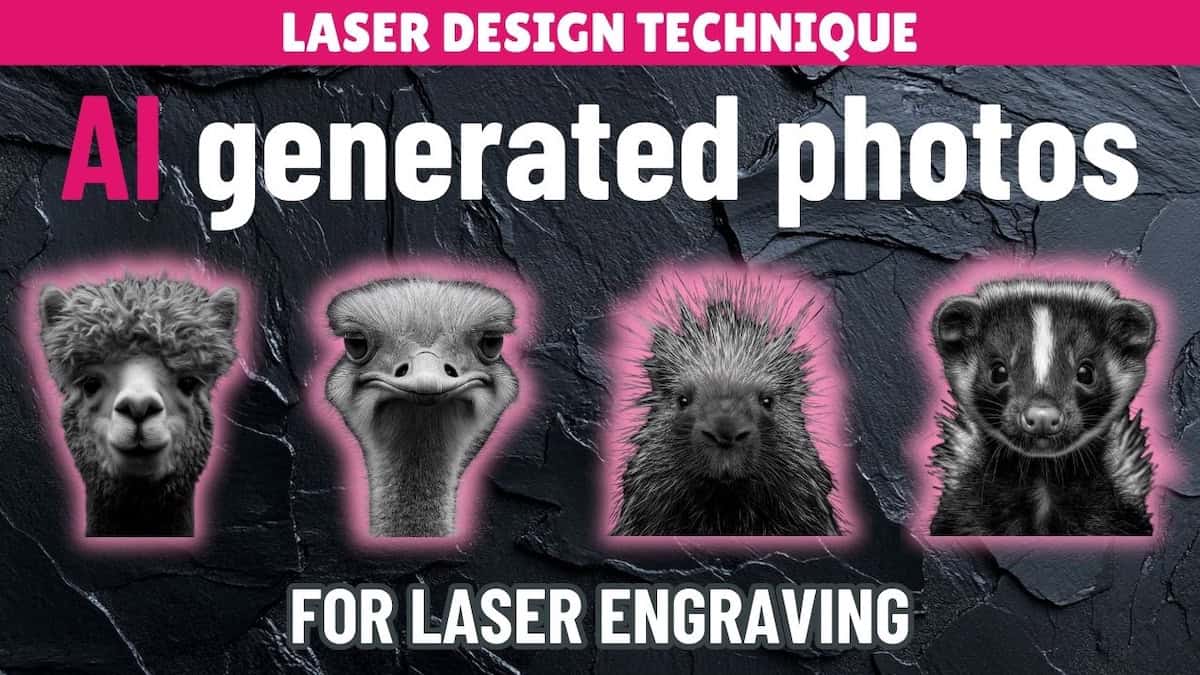
Use AI to generate and prepare photos for laser engraving
In this quick laser engraving tutorial, I’ll show you how to use AI to prepare photos for laser engraving with ChatGPT and Midjourney.
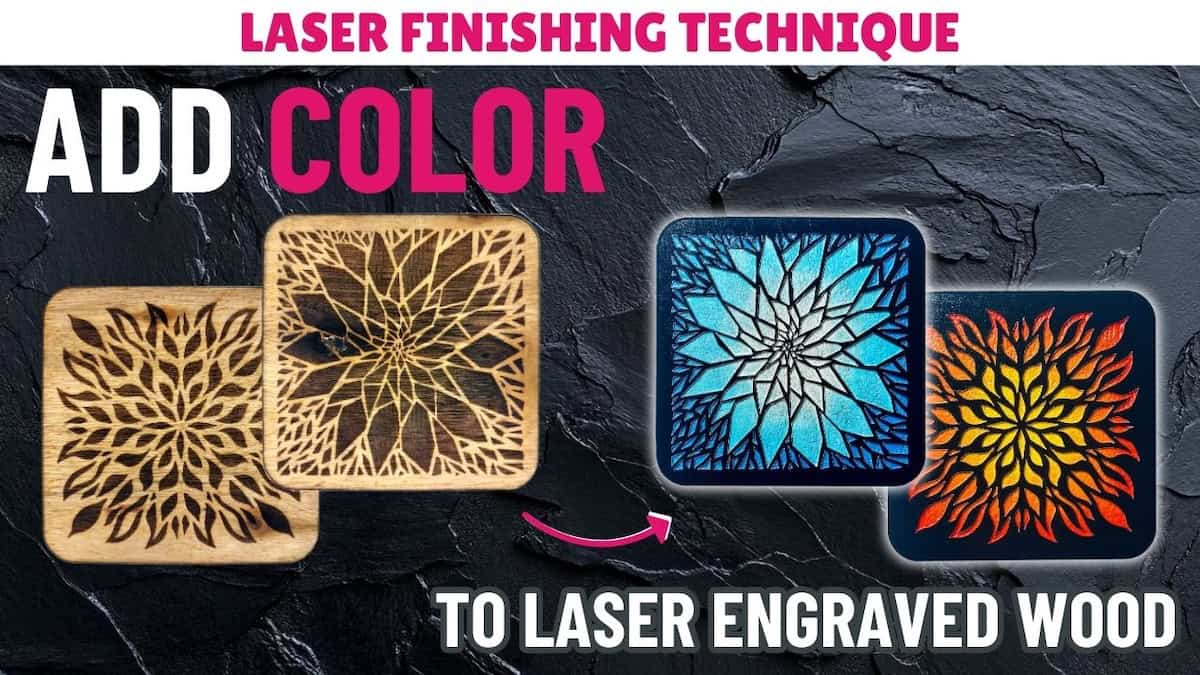
How to paint fill engraved wood
In this laser finishing technique video, you'll learn how to paint fill engraved wood to add colour to your engrave projects.
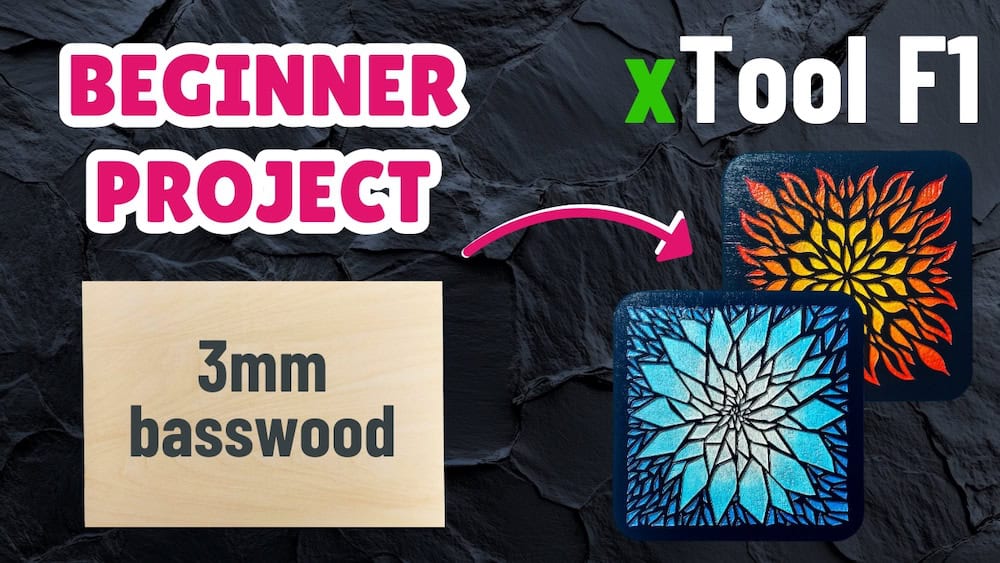
3mm basswood xTool F1 project: laser cut coaster tutorial
In this beginner-friendly tutorial, you'll learn how to make stunning laser-cut coasters using the basswood that came with the xTool F1.
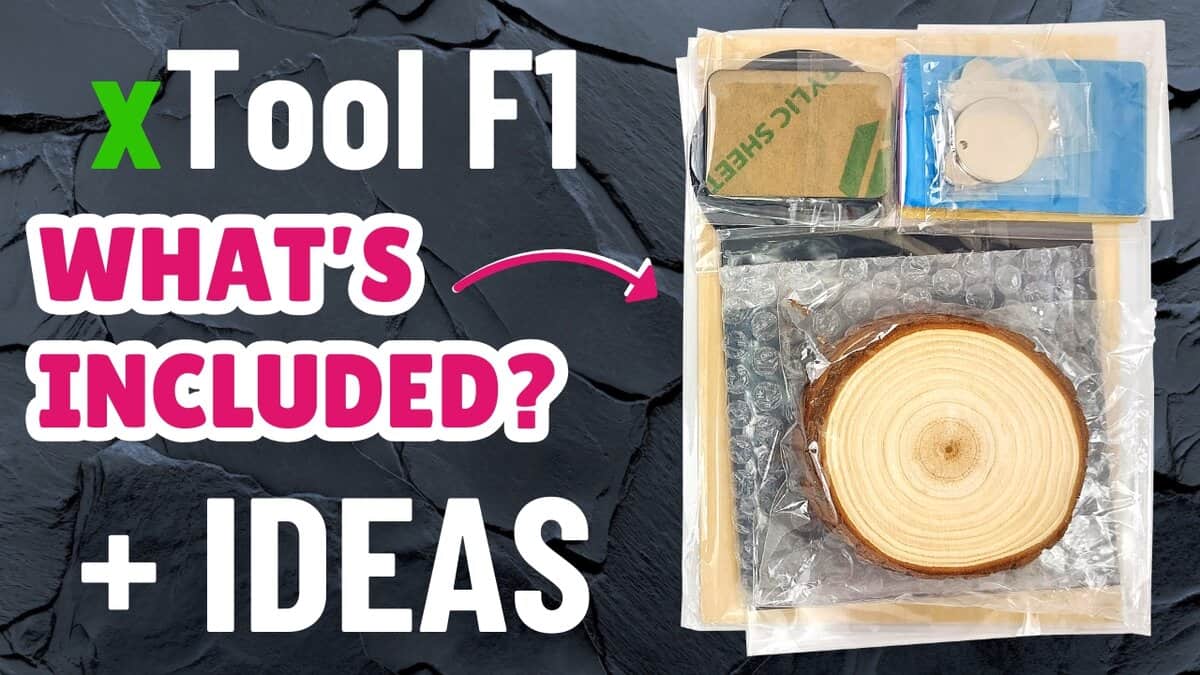
Unpacking the xTool F1 sample materials pack (plus project ideas!)
I unpack the xTool F1 sample materials pack and show what’s included, where to buy it, where to find cut settings, and give project ideas.